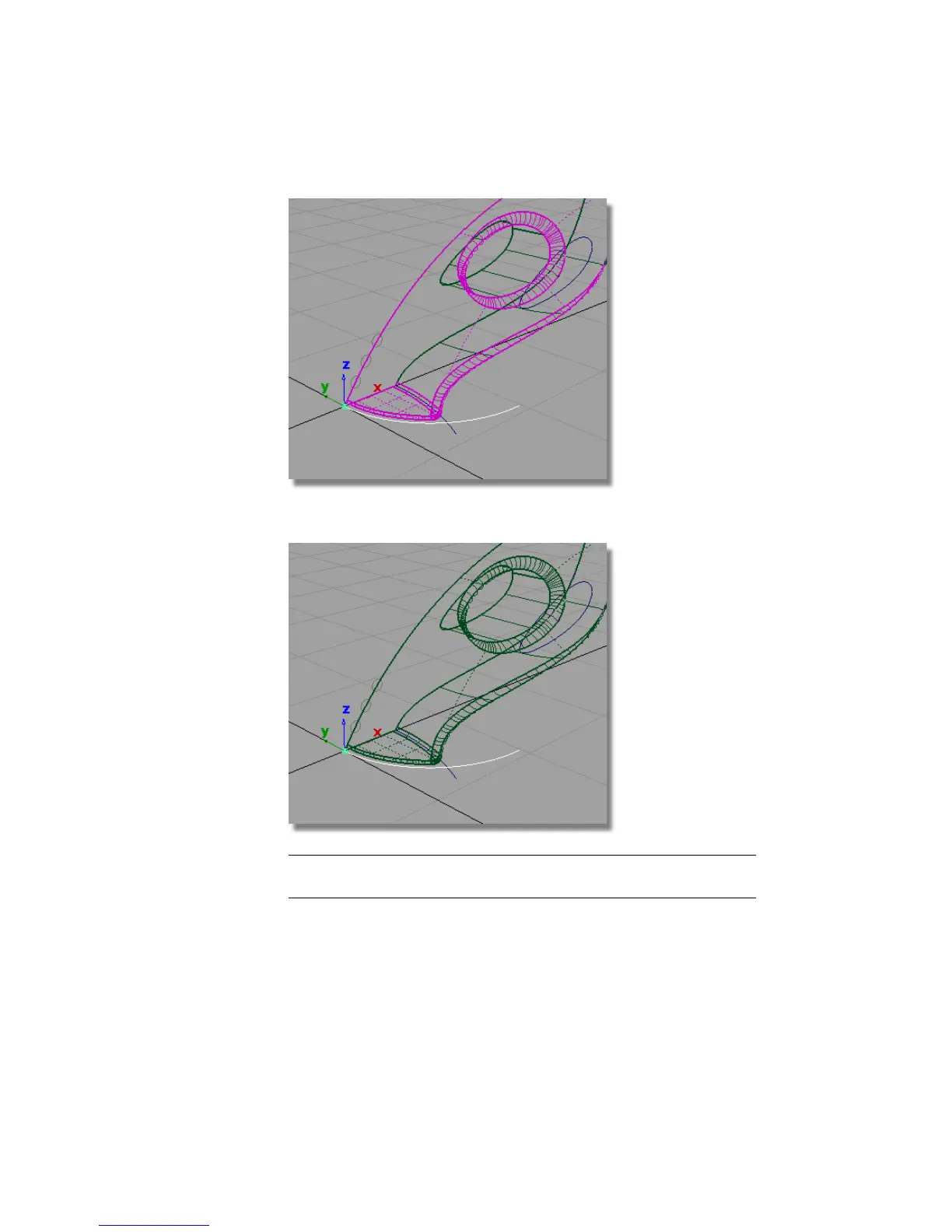
2 Choose Edit > Copy followed by Edit > Paste to create a copy of the curve.
NOTE The surfaces are no longer highlighted in pink, as the new curve is a
new copy with no relationship to the surfaces.
3 Choose Transform > Scale and type in 1.5 to increase the size of the curve.
336 | Chapter 6 Modeling a Vacuum Cleaner



 To Next Page