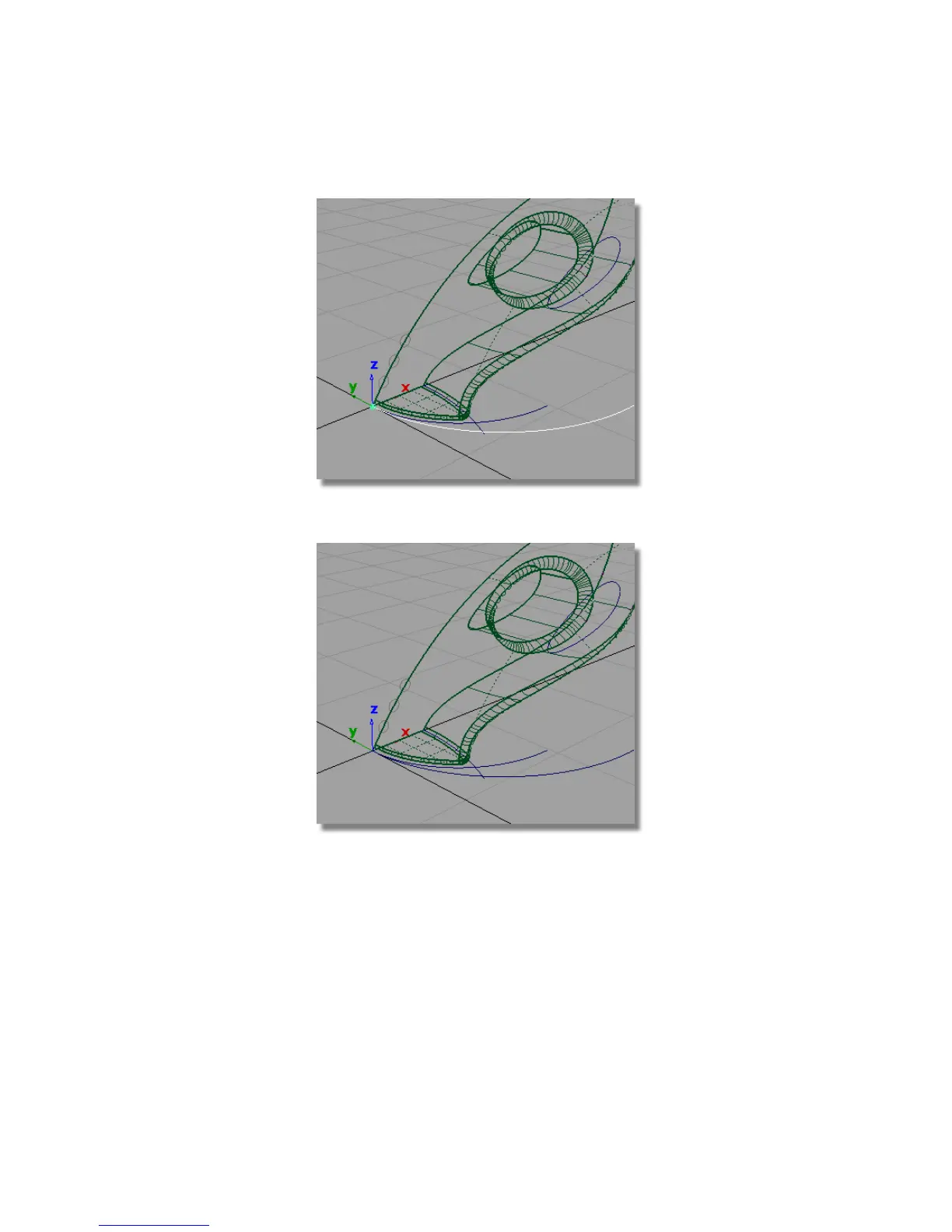
4 Choose Pick > Nothing to deselect the curve.
This scaled curve will be used as a path curve for the extruded surfaces.
The three gray circles at the front of the vacuum cleaner have been
templated. You will now untemplate these so you can use them as the
generation curves for the extrude surfaces.
5 Choose Pick > Template and drag a pick box around the three circles.
Part 5: Air Vents | 337



 To Next Page