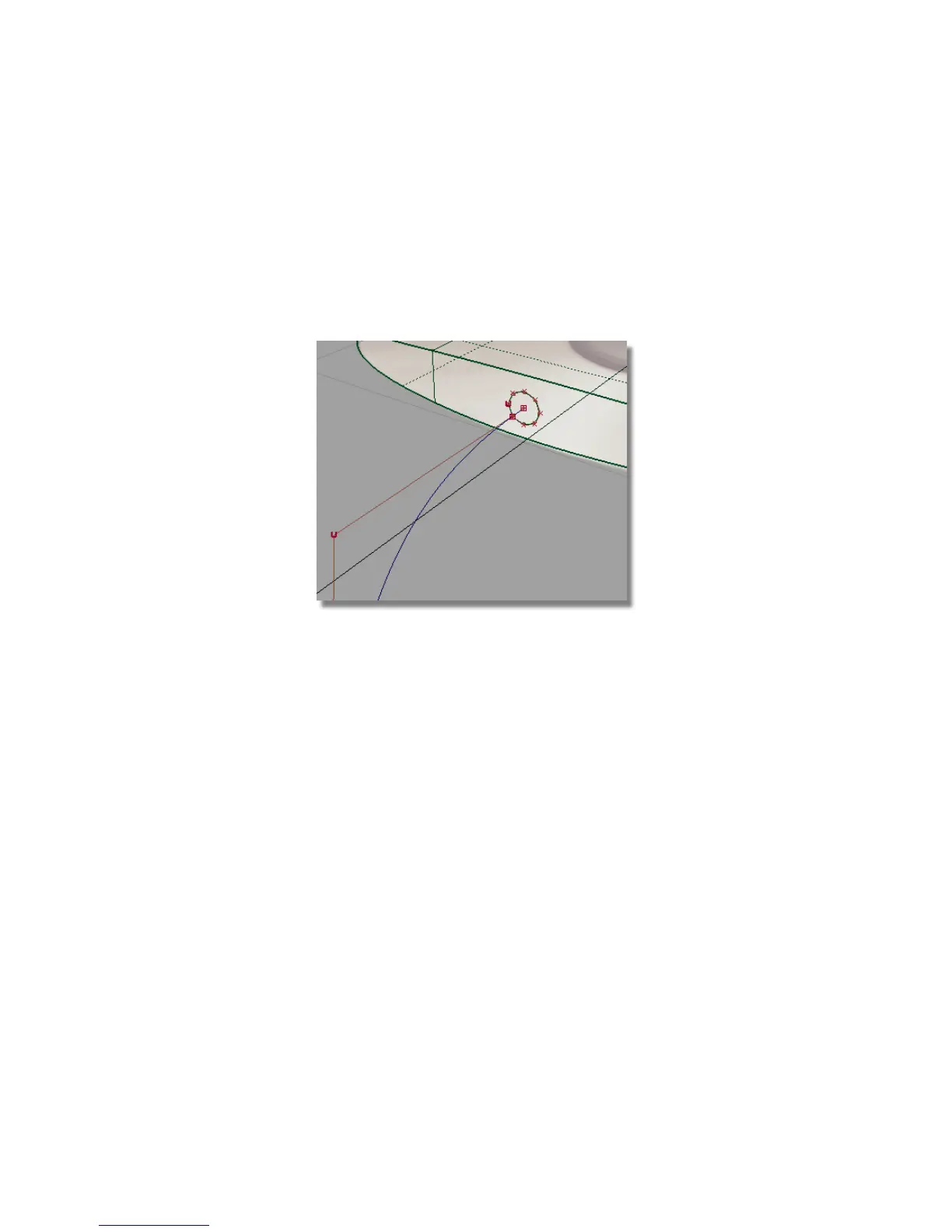
Create the cable surface
Next, you will create the extruded surface for the cable.
1 Tumble the perspective view and zoom in to the area at the start of the
cable. Hold down the Shift and Alt (Windows) or Shift and Command (Mac)
keys and use the left mouse button to tumble the view, and the right mouse
button to zoom in.
To create the cable surface, you will extrude the small circle along the
path curve.
2 Choose the Surfaces > Swept Surfaces > Extrude tool.
3 You are prompted to select the curves to extrude. Click the circle to select
it to be extruded.
Part 4: Creating the connecting cable | 221



 To Next Page