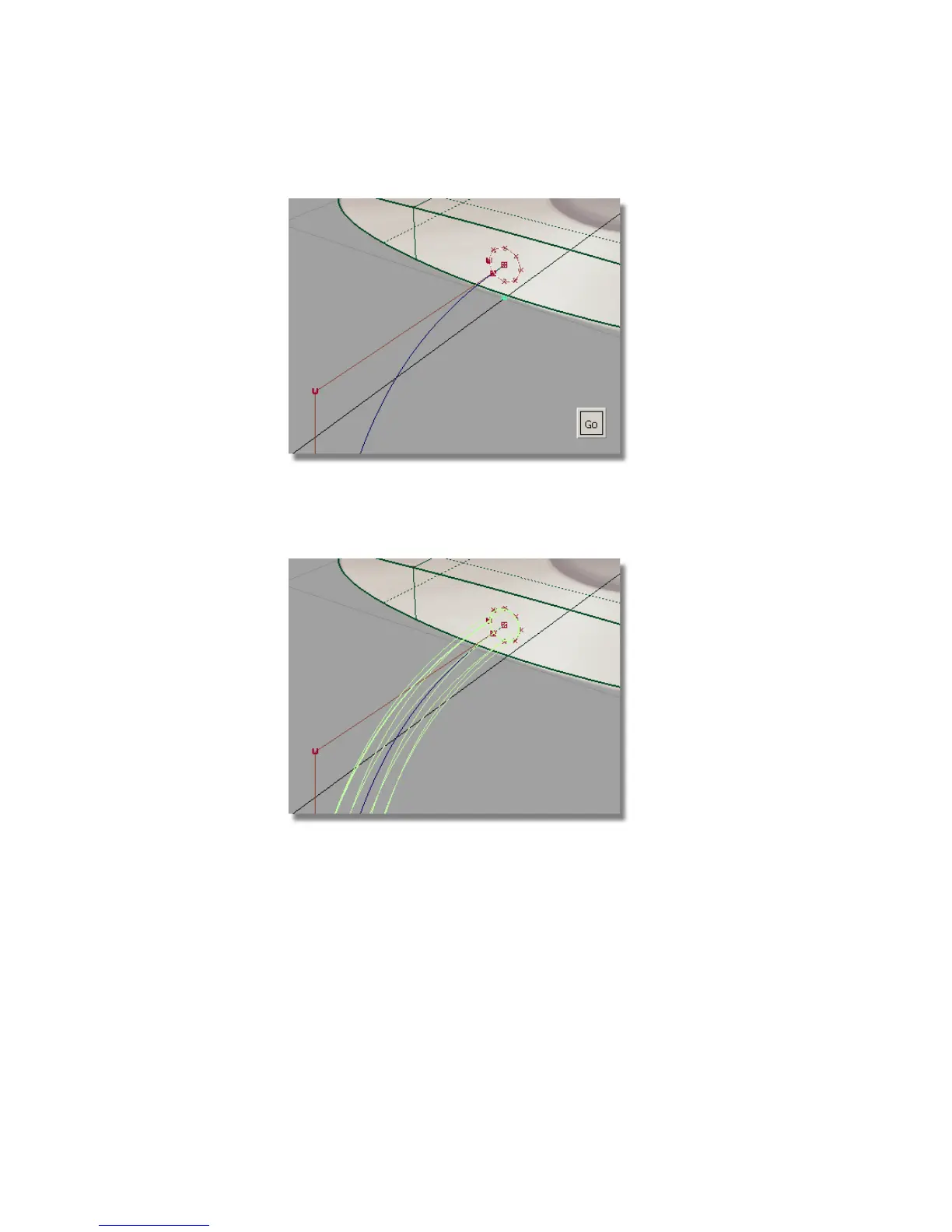
Select the Go button to choose the circle as the generation curve.
4 You are prompted to select the extrude path. Click on the long wavy
curve to select it as the path curve.
The extruded surface is created.
5 Choose Pick > Nothing to deselect the surface.
6 Tumble and zoom out to view the cable surface.
222 | Chapter 5 Modeling a Joystick



 To Next Page