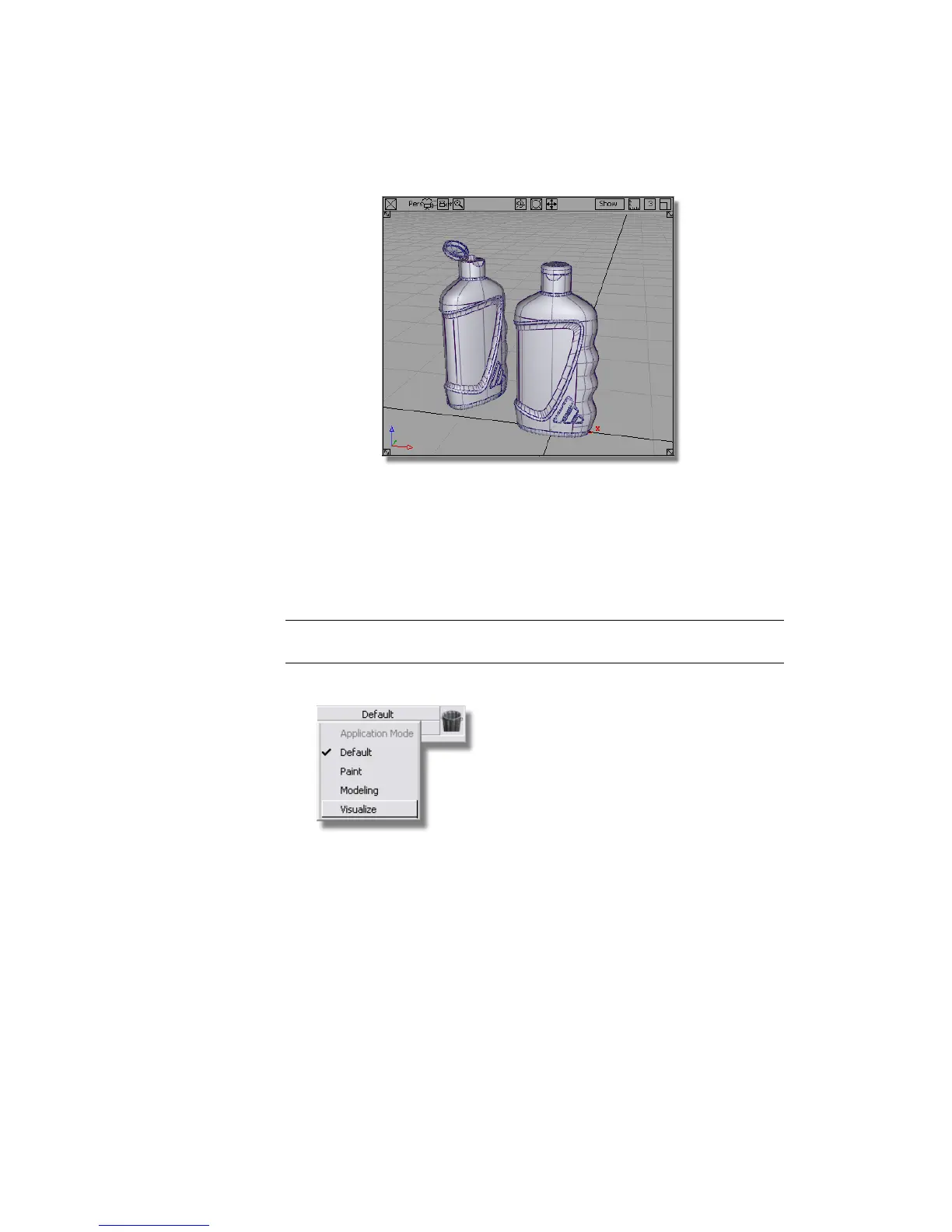
Next, you will create three new shaders one for the bottle, cap, and label. After
that, you will choose the right shading model for each one.
Using the Visualize Control Panel
For this part of the tutorial, you will use the Visualize Control Panel to create
and modify shaders.
TIP If the Control Panel is not currently shown, choose Windows > Control Panel
to turn it on.
1 At the top of the Control Panel, choose the Visualize option.
The Default Shader is shown in the Resident Shaders section.
Part 1: Creating Shaders | 637



 To Next Page