If you were not successful in part 3, open the file called MP3Player_part4.wire,
located in the wire directory of the CourseWare project. This file contains the
completed model from Part 3.
Watch Part 4 of the tutorial.
Creating Offset Curves
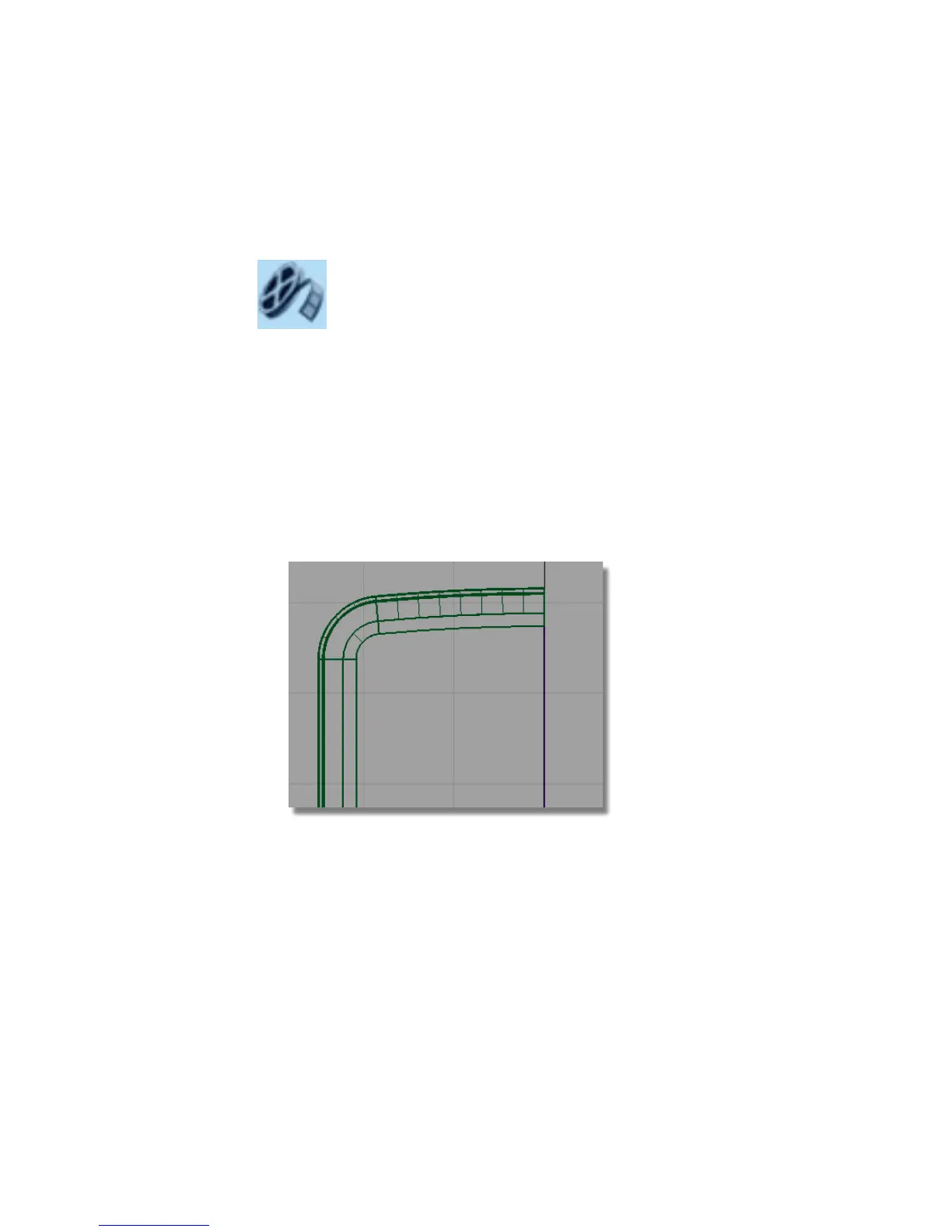
To keep the structured style of the design, the shape of the screen will echo
the curve at the top of the MP3 player.
Start by duplicating the edge of the top surface to create a reference curve.
1 Maximize the Top window.
2 Turn off the Symmetry on the Front Casing layer, and zoom into the
top half of the casing.
3 Choose Curve Edit > Create > Duplicate Curve and select the lower edge
of the fillet surface at the top of the casing.
4 You will get a choice of picking the edge of the fillet surface or the edge
of the plane.
Select the edge of the fillet. This will give you a good quality curve.
444 | Chapter 7 Modeling an MP3 Player



 To Next Page