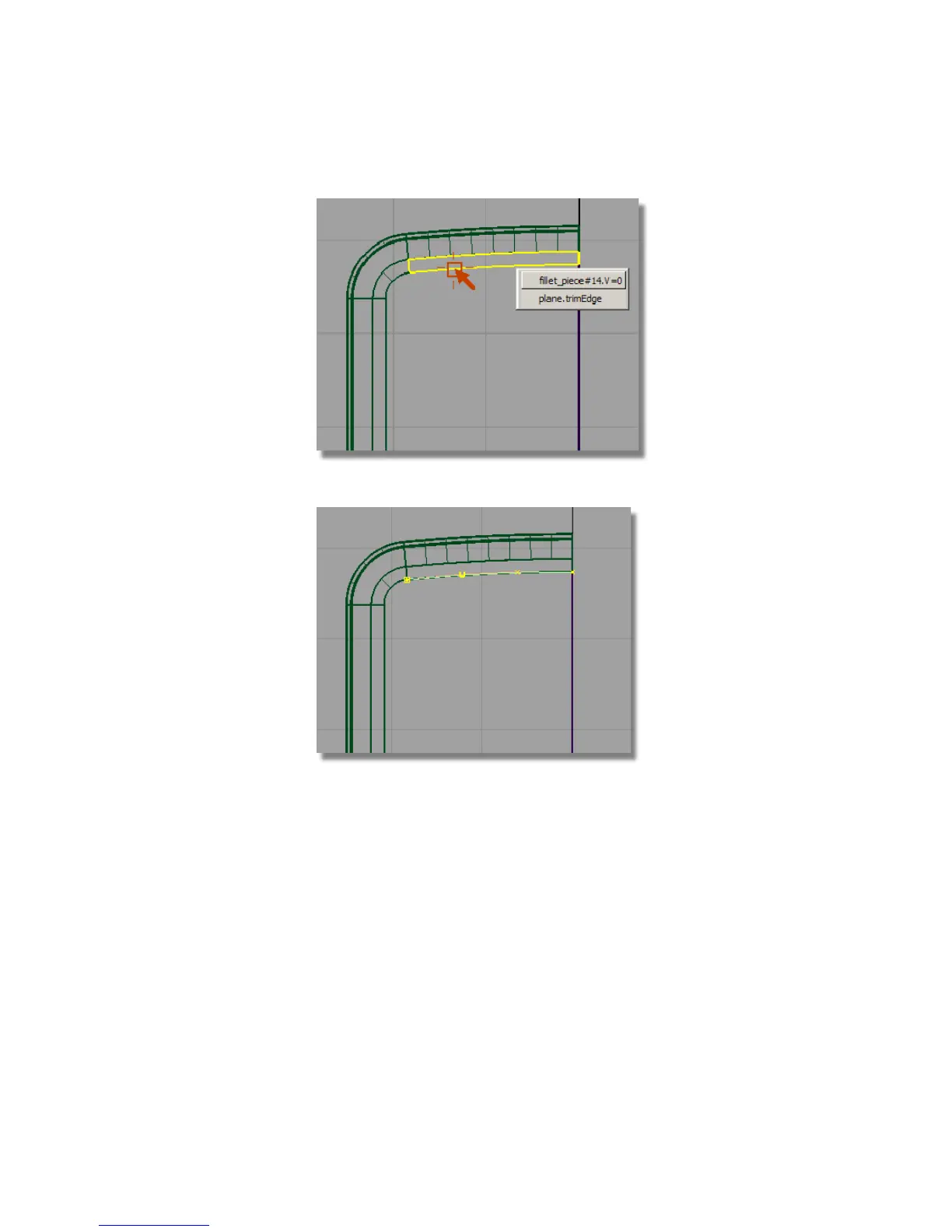
A curve is created that is a duplicate of the surface edge.
5 With the Curve Edit > Create > Duplicate Curve tool already active, select
the fillet surface at the left side.
6 Again, choose the fillet edge, not the edge of the plane.
Part 4: Creating the Screen Recess | 445



 To Next Page