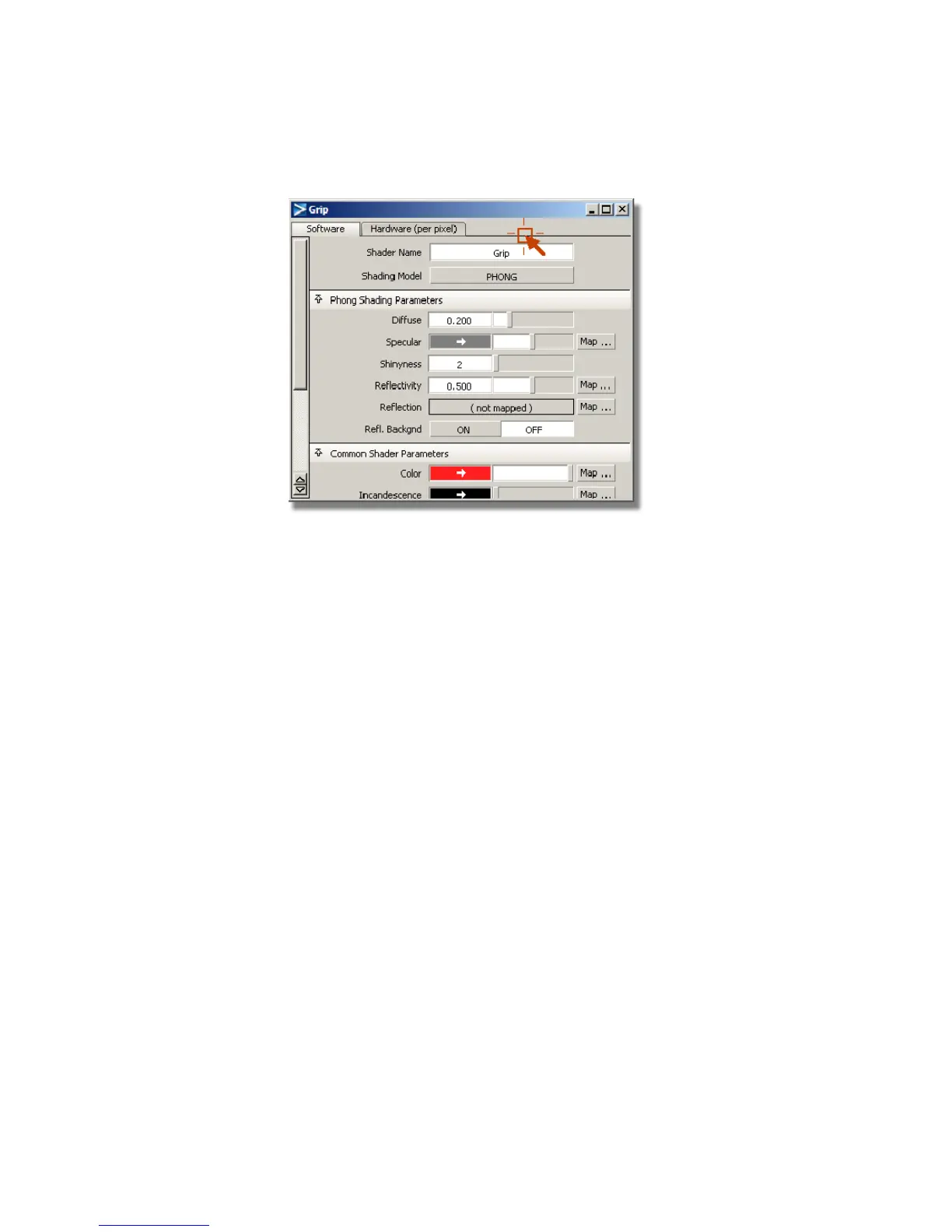
Creating a bump map for the Grip shader
To create an effect of a bump on a surface, you use a technique called bump
mapping. Any image can be used as a source for creating a bump on a surface.
Typically, the image used in a bump map is gray scale. For example, to create
a golf ball, you would use an image that was all white with gray circles
darkening to black at their centers on it. The computer would push the surface
inwards everywhere there was a dark circle on the image. The darker the color,
the farther it gets pushed from the surface.
It is important to note that bump maps create the appearance of a bump on
a surface, but do not affect the surface. The edge of a bumped object will retain
its original smoothness. If you need to the edge or profile of an object to be
bumpy as well, consider using a displacement map, which alters the surface
when the image is rendered.
Now, you will create a bump map on the grip shader using a texture from
within Alias.
1 In the Grip control window, click the Special Effects tab.
714 | Chapter 11 More rendering



 To Next Page