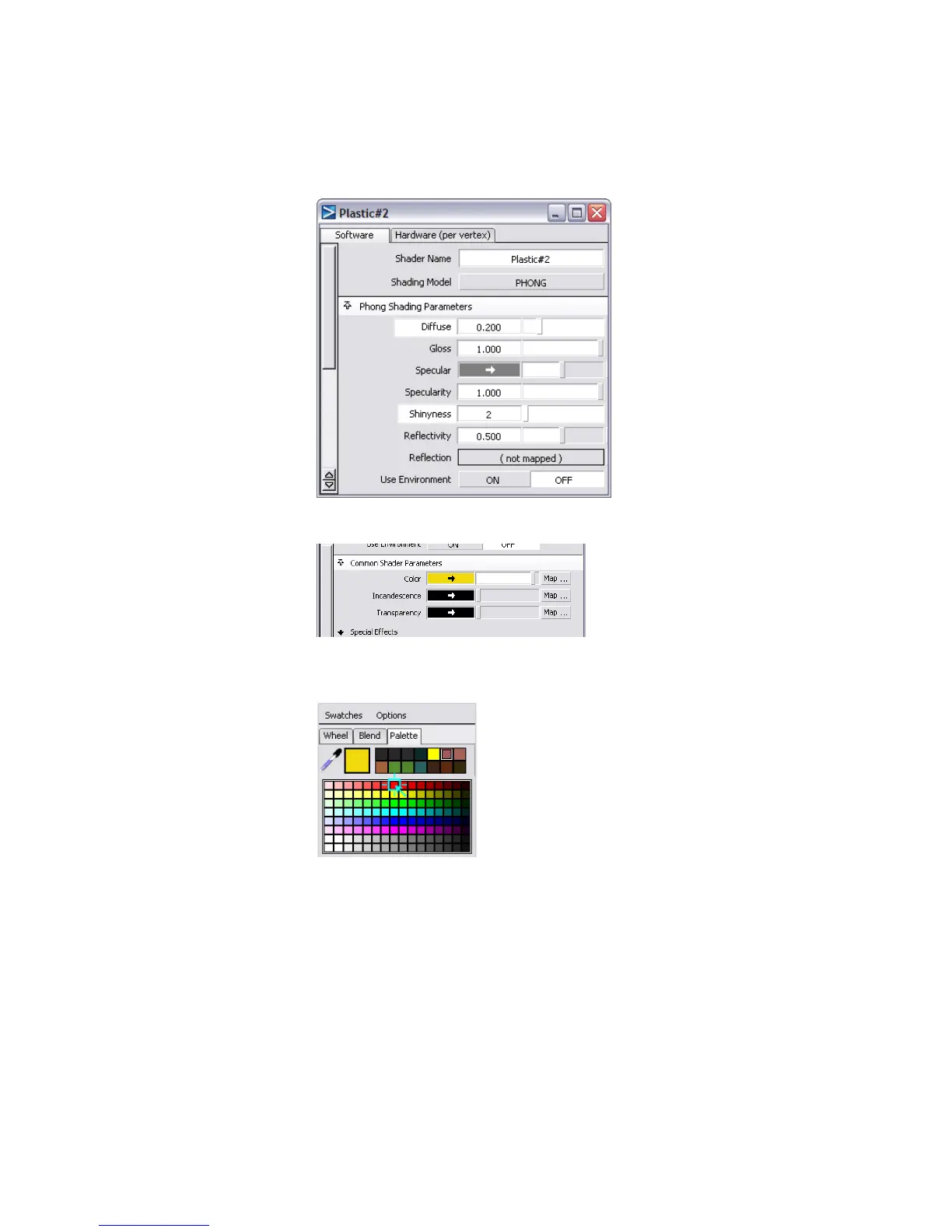
10 Click the color swatch to open the Color Editor.
11 In the Color Editor, click to open the Swatches section, click a red
swatch, then close the Color Editor.
At the Shader Name cell, change the shader name to Grip.
Part 4: Creating a 2D bump texture | 713



 To Next Page