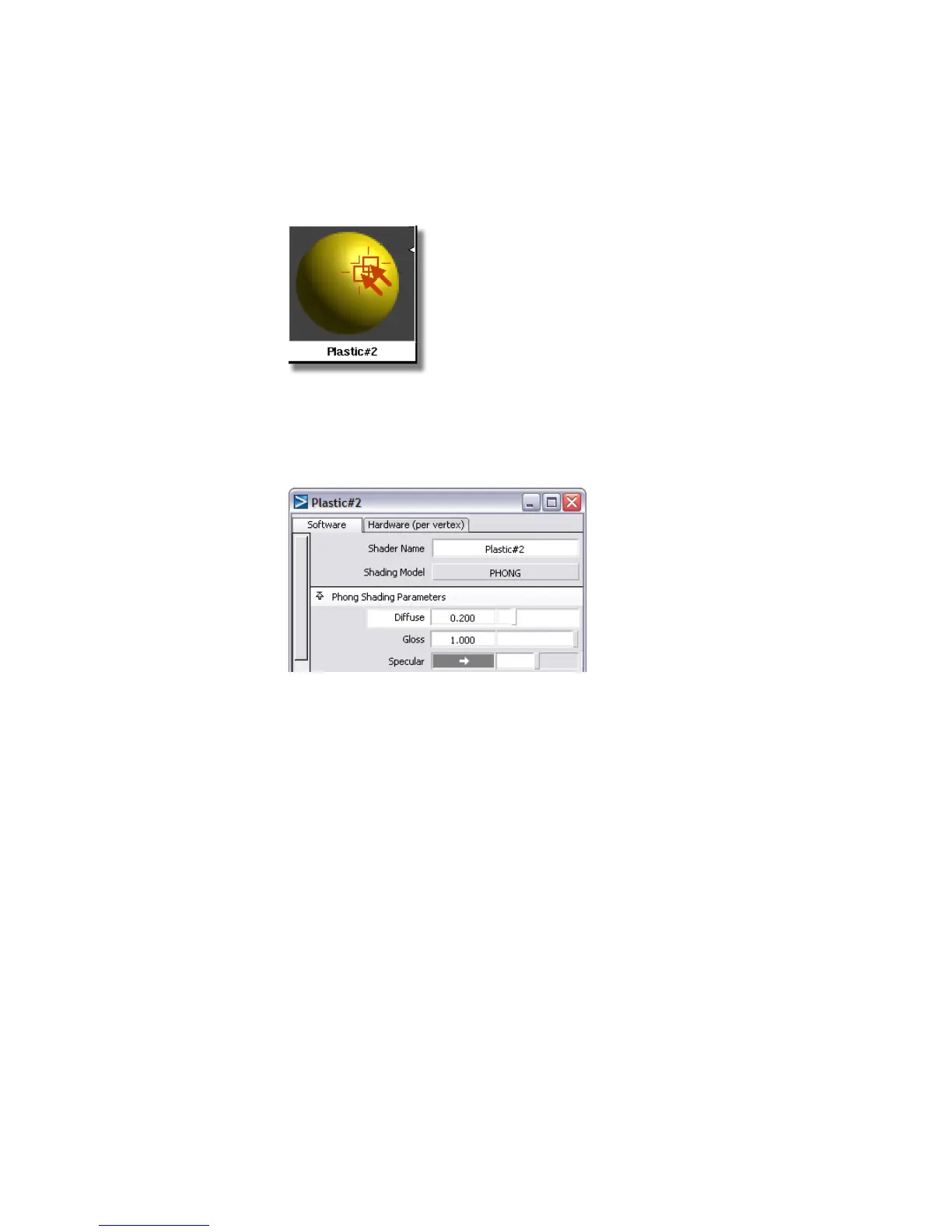
7 Double-click the Plastic#2 shader to open the shader's control window.
You will change the characteristics of the material to be more like a hard
sponge. The surface will still be somewhat shiny, but will not be very
reflective.
8 Set the Diffuse parameter to 0.2.
9 Set the Shinyness value to 2.
712 | Chapter 11 More rendering



 To Next Page