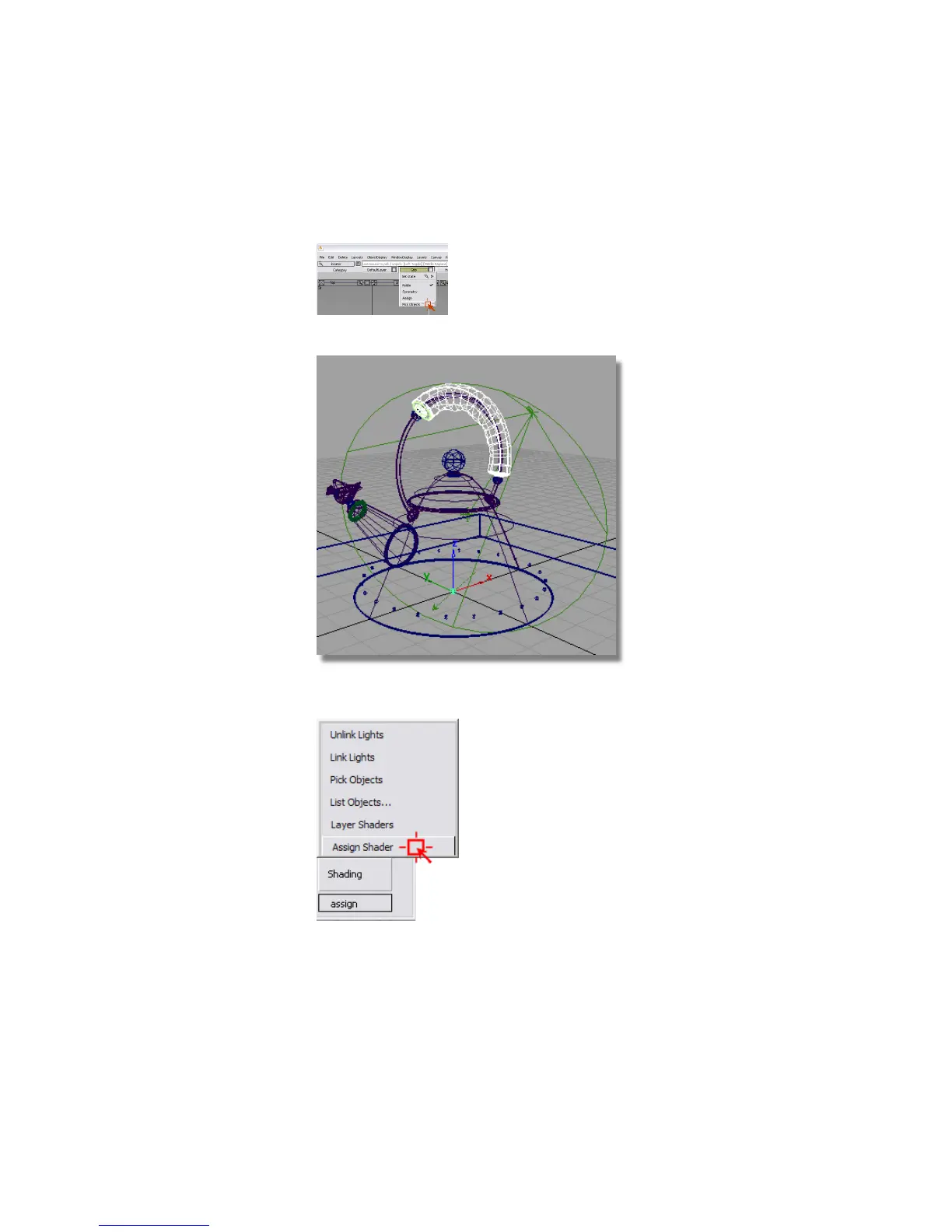
4 In the layer bar of the modeling window, click the Grip layer button,
and select the Pick Objects option.
The grip becomes active.
5 Assign the new Plastic#2 shader to the grip.
6 Choose Pick > Nothing to deselect all objects.
Part 4: Creating a 2D bump texture | 711



 To Next Page