Using Round for the Remaining Edges
Next you will create a radius on the remaining edges using the Round tool.
You could use either the Round or the Surface Fillet to create the softened
edge. As the surfaces already meet at a sharp edge, the Round tool will be
quicker to use.
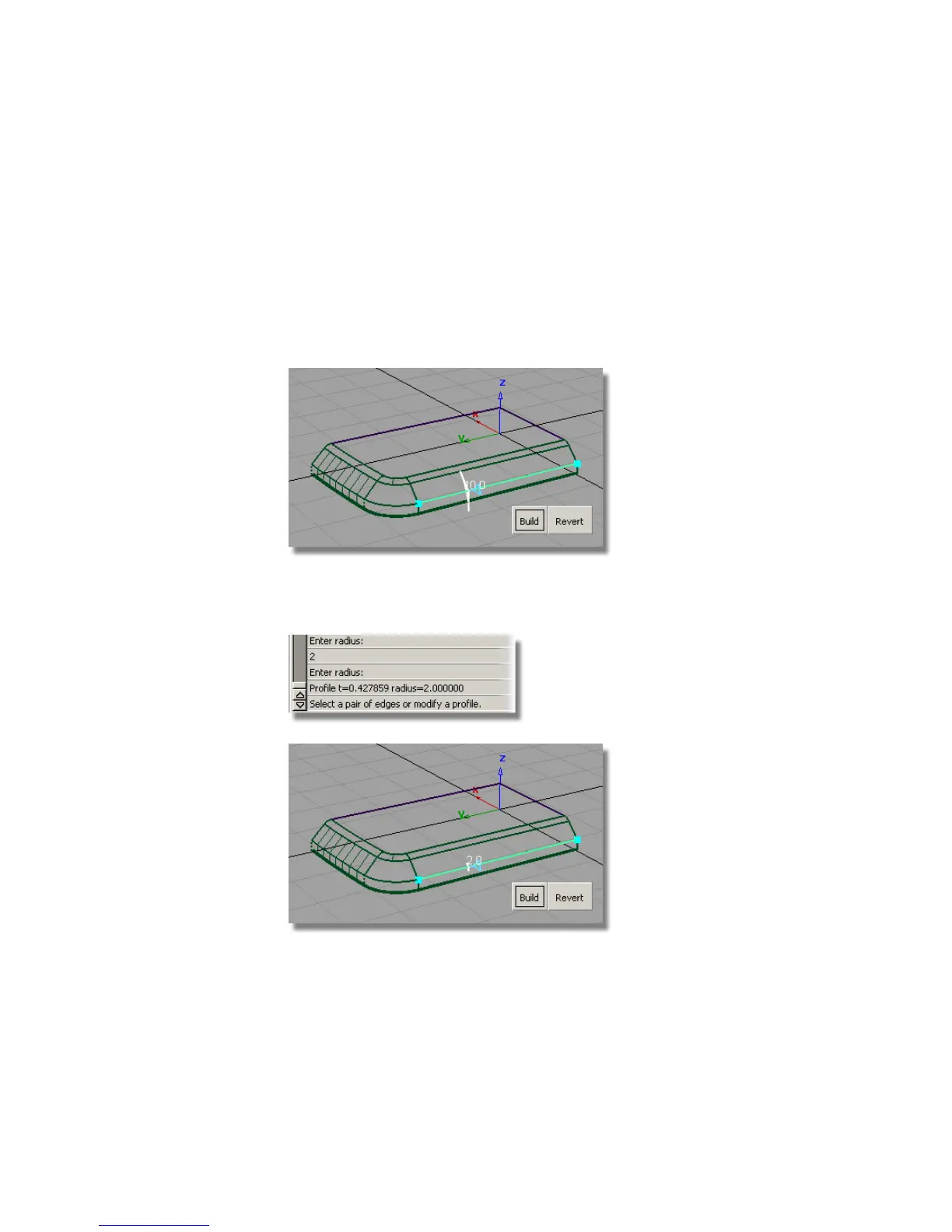
1 Choose Surfaces > Round . You are prompted to select a pair of edges.
Click one of the edges between the chamfer and the side surfaces.
A radius indicator appears and is highlighted in white.
2 Type in 2 at the prompt line to adjust the radius value to 2 mm.
3 Click the other edges to complete the round.
434 | Chapter 7 Modeling an MP3 Player



 To Next Page