Part 1: Creating Shaders
In this section, you will use Hardware Shade to render a scene, and create
shaders for the caps, bottles and labels.
Watch Part 1 of the tutorial.
Opening the tutorial file
1 Choose File > Open to open the File Browser.
2 In the File Browser, locate the CourseWare directory and set it as the
Current Project.
3 Open the file called Render_Basics.wire, located in the wire directory
in the CourseWare project.
For information on how to open a file, see Opening the tutorial file on page
82.
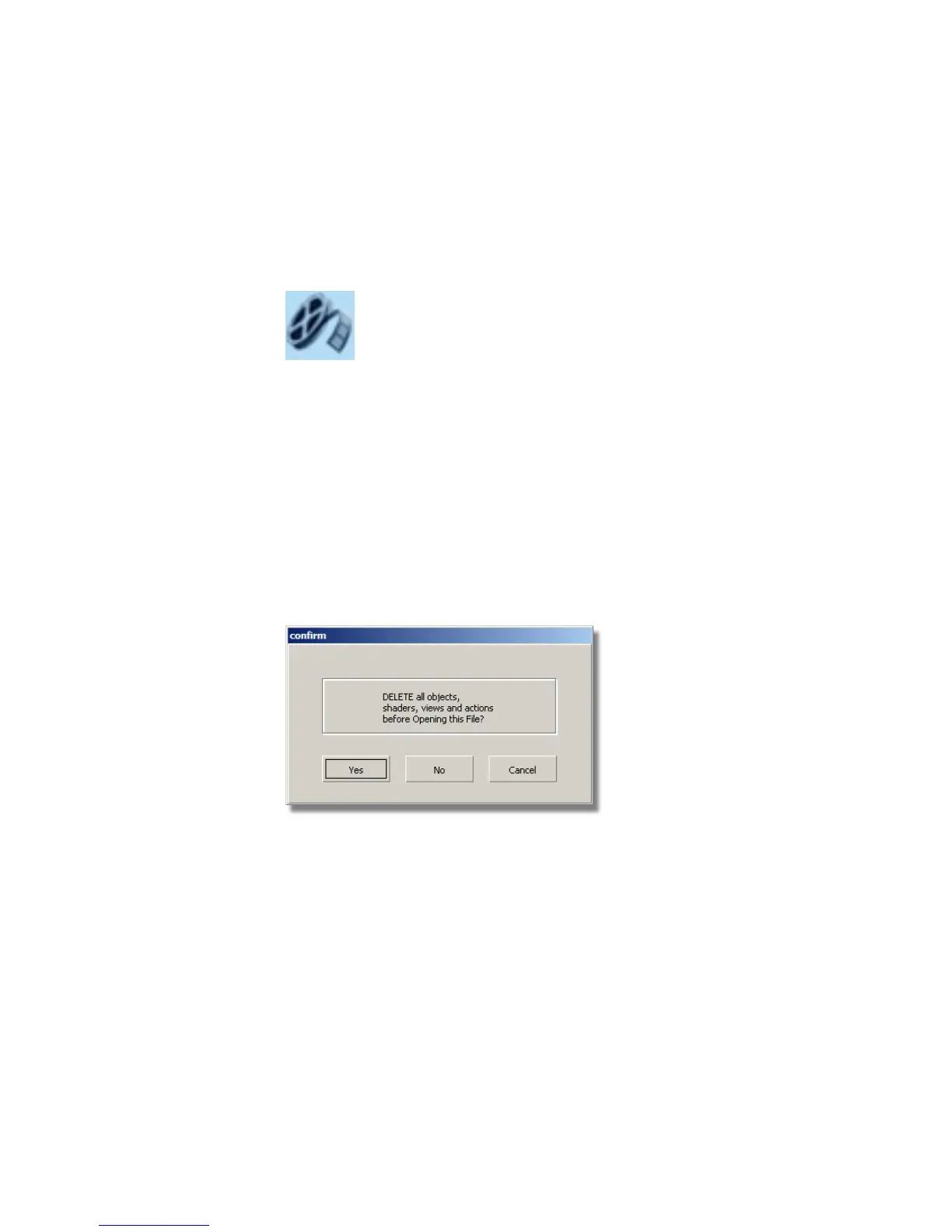
A dialog box appears, asking if you want to delete all objects, shaders, views,
and actions. Click Yes.
If your values for construction tolerances differ from those in the
Render_Basics.wire file, you are presented with a dialog:
Part 1: Creating Shaders | 633



 To Next Page