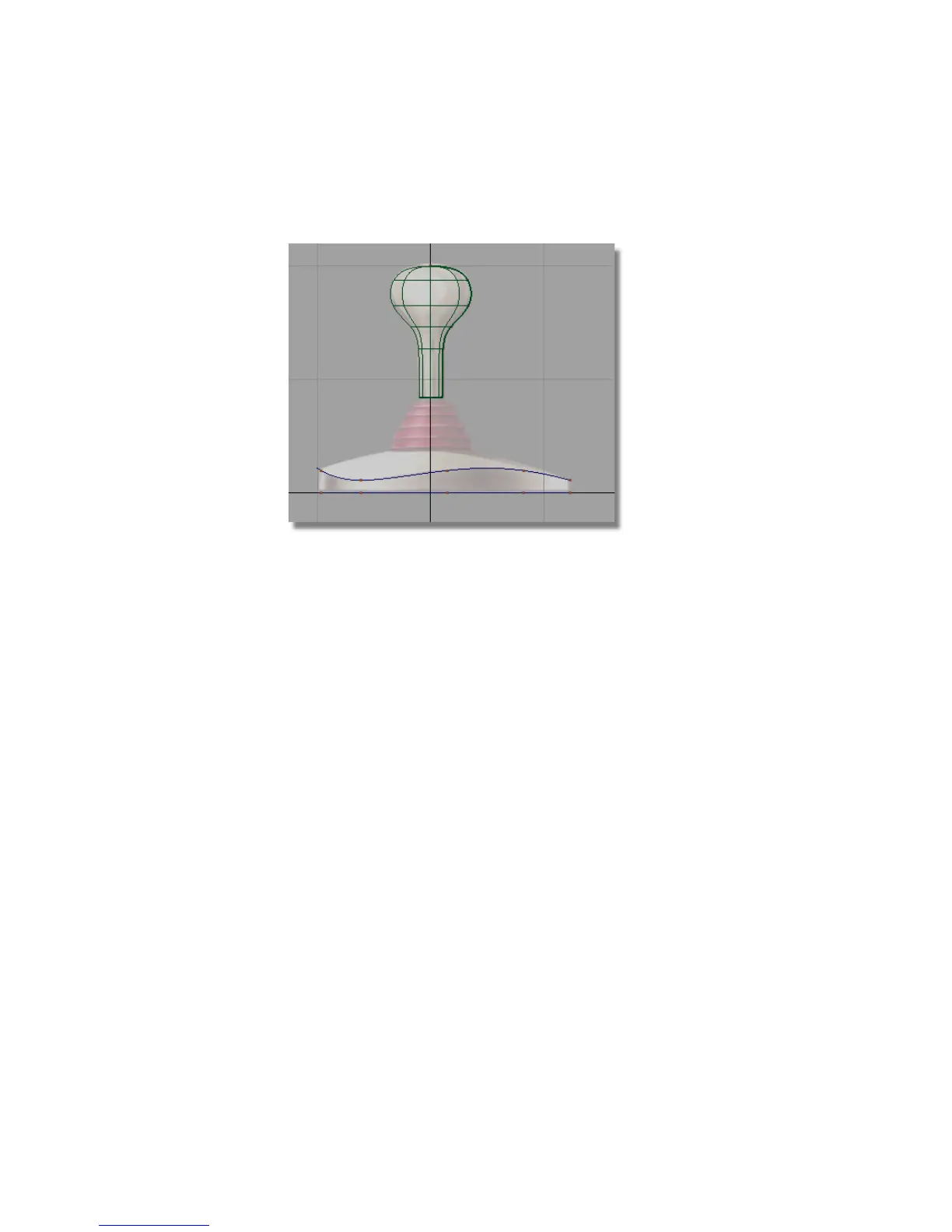
14 In the Control Panel, click on the CV/Hull check box to turn the CVs
off.
Creating the Top Curve for the Base
You will continue working in the four views to create the small circle at the
top of the base, where the joystick handle is connected.
1 Choose Curves > Primitives > Circle .
2 Hold down the Alt (Windows) or Command (Mac) key to turn on grid
snapping. In the Top view, click near the origin to place the circle exactly
on the center grid point.
188 | Chapter 5 Modeling a Joystick



 To Next Page