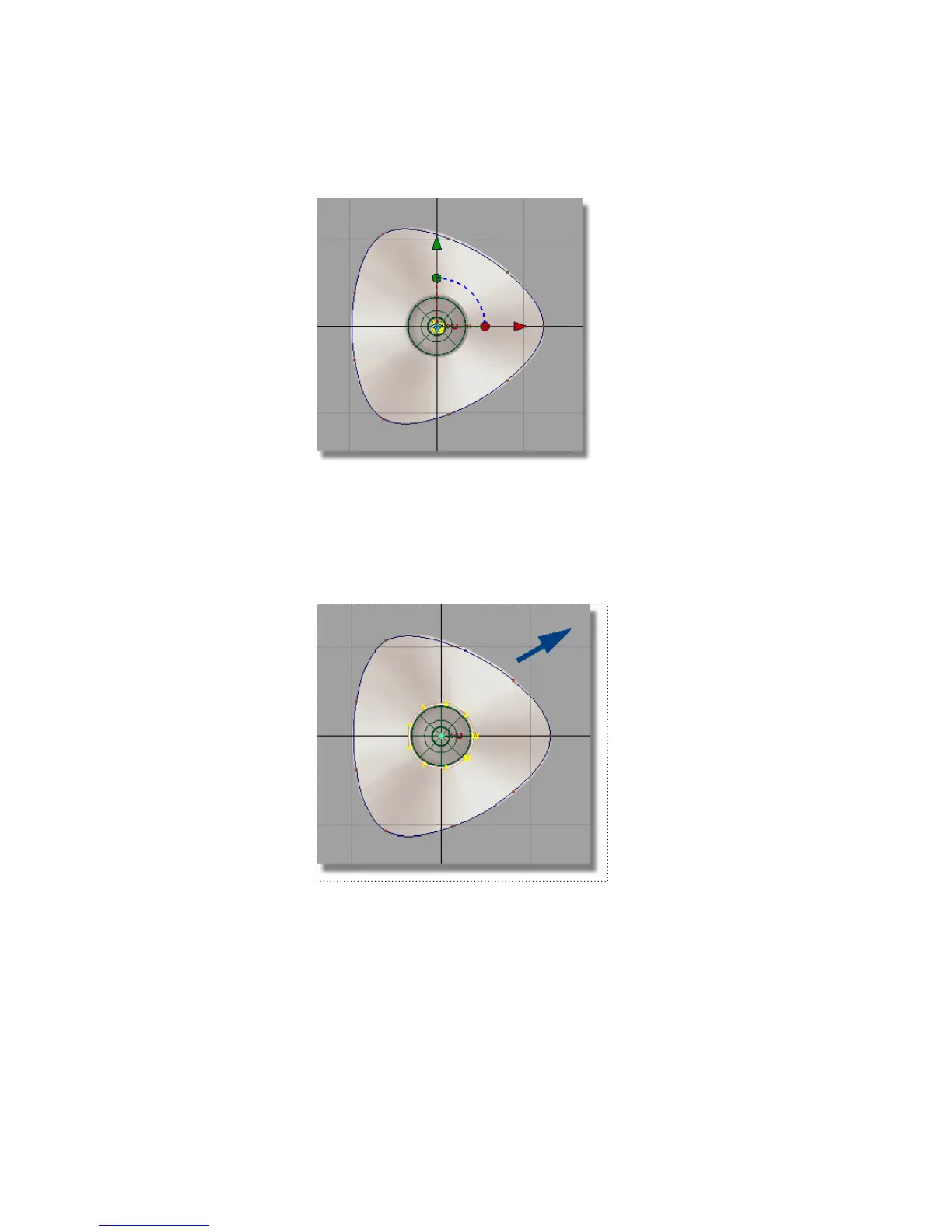
A small circle is placed at the origin, with the manipulator shown.
3 Choose Transform > Scale .
4 Be careful not to click on any of the curves, and click and drag with the
left mouse button. Drag towards the top right of the screen to scale the
circle to match the smaller inner circle on the sketch.
Now, you will move the circle upwards in the Left view.
5 With the circle still selected, choose Transform > Move .
Part 2: Creating the Joystick Base | 189



 To Next Page