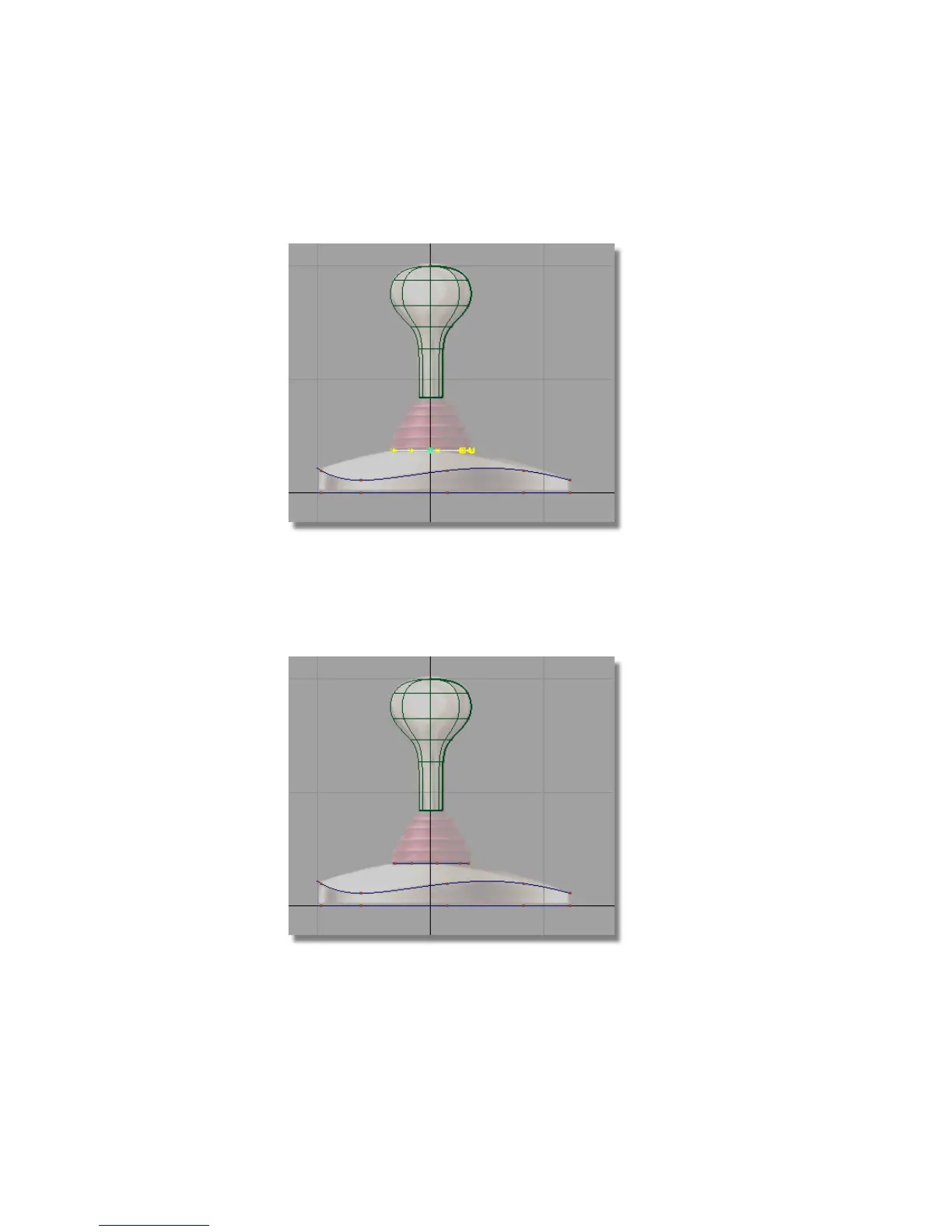
6 In the Left view, click and drag the right mouse button to move the circle
upwards to match the top of the base in the sketch.
The circle is now in position at the top of the base.
7 On the Control Panel Display section, click on the CV/Hull check
to turn the CVs and hulls off for the circle.
8 Choose Pick > Nothing to deselect the circle.
190 | Chapter 5 Modeling a Joystick



 To Next Page