2 Save your work in the wire directory of the Lessons project.
3 Name your file myvacuum8.wire.
Conclusion
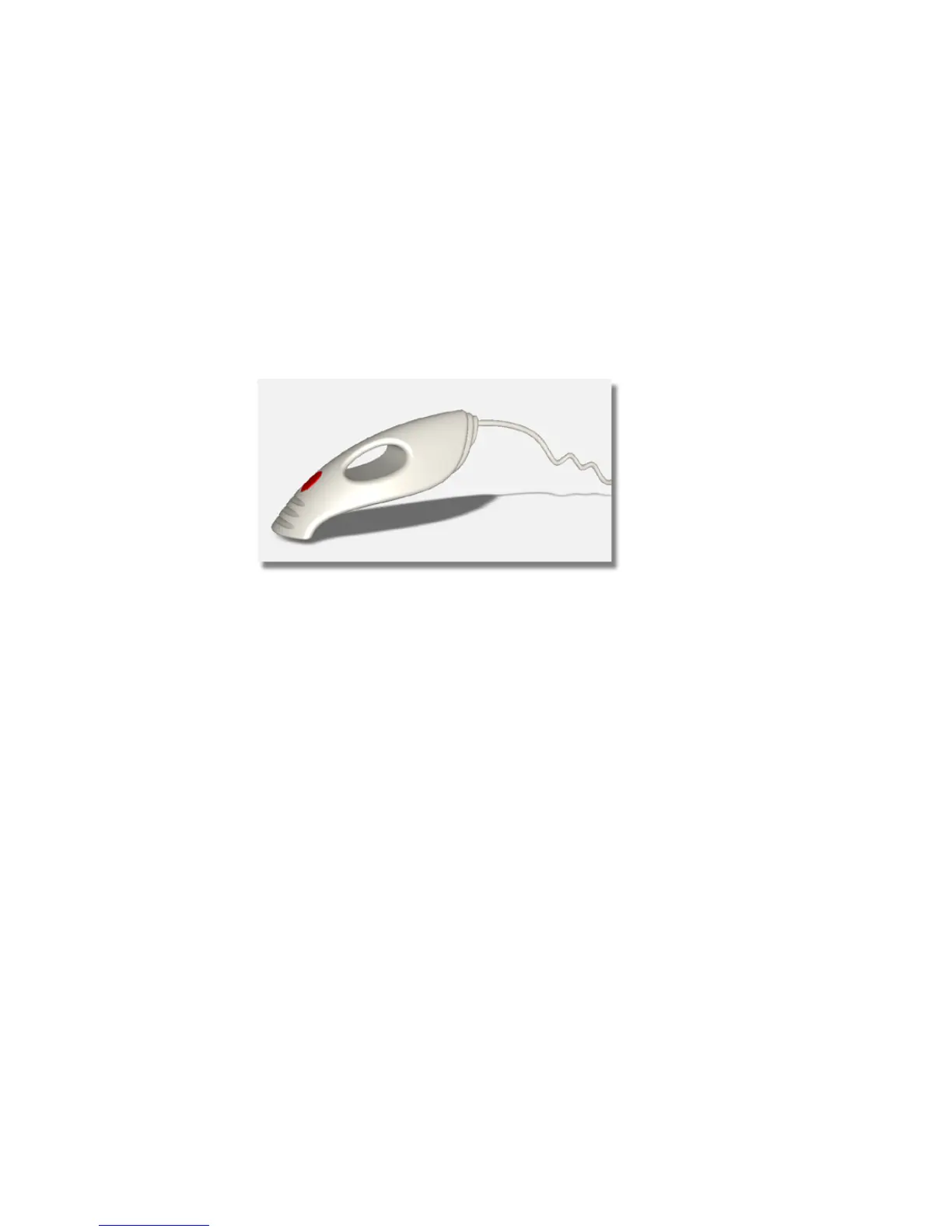
Congratulations! You have completed the vacuum cleaner model and have
used intersecting and trimming to create a detailed, complex model.
Important concepts to take forward to future modeling projects are:
■ The technique of overbuilding surfaces, and then intersecting and trimming
them can be used to create detailed designs.
■ For more complex models, use layers to organize the geometry and control
how the objects display on the screen.
■ For a concept model, it is common to leave the surfaces overlapping as
the design goes through revisions and changes. The overlapping surfaces
will not be seen when the model is shaded and viewed.
■ For a detailed, finished model, all the surfaces should be intersected and
trimmed, to create a single, enclosed outline. This can be used to create
rapid prototyping models and be exported to engineering CAD systems.
Quiz
Now that you have completed this vacuum modeling tutorial, do this quick
quiz to help you remember the tools and techniques you have learned.
390 | Chapter 6 Modeling a Vacuum Cleaner



 To Next Page