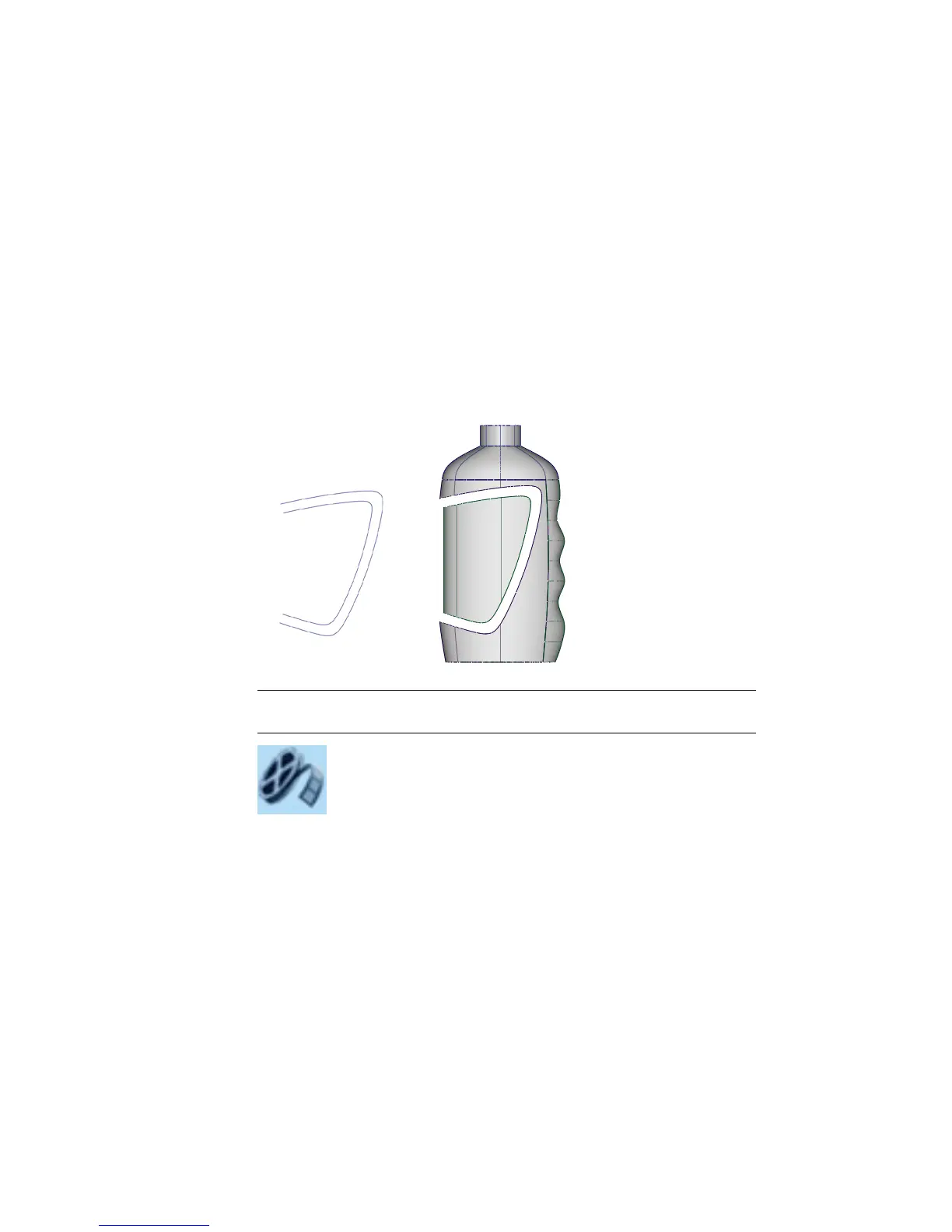
Part 3: Label Surface
In the Vacuum exercise, you intersected surfaces to create curves-on-surface
that could then be used for trimming.
In this exercise, you will Project a curve onto the surface, which will create
the curves-on-surface needed for trimming.
First, you will trim out the label shape from the main body surface.
Then, you will create a recessed surface for the label panel. This will be trimmed
slightly smaller so there is a space for a smooth blend surface to be built.
NOTE You cannot use Detach in this case to ‘cut’ the surface, as the desired
shape does not follow the isoparms of the surface.
Watch Part 3 of the tutorial.
Opening the tutorial file (optional)
If you successfully completed Part 2, proceed to the next step: Trimming the
Label Area below.
544 | Chapter 8 Modeling a Sports Shower Gel Bottle



 To Next Page