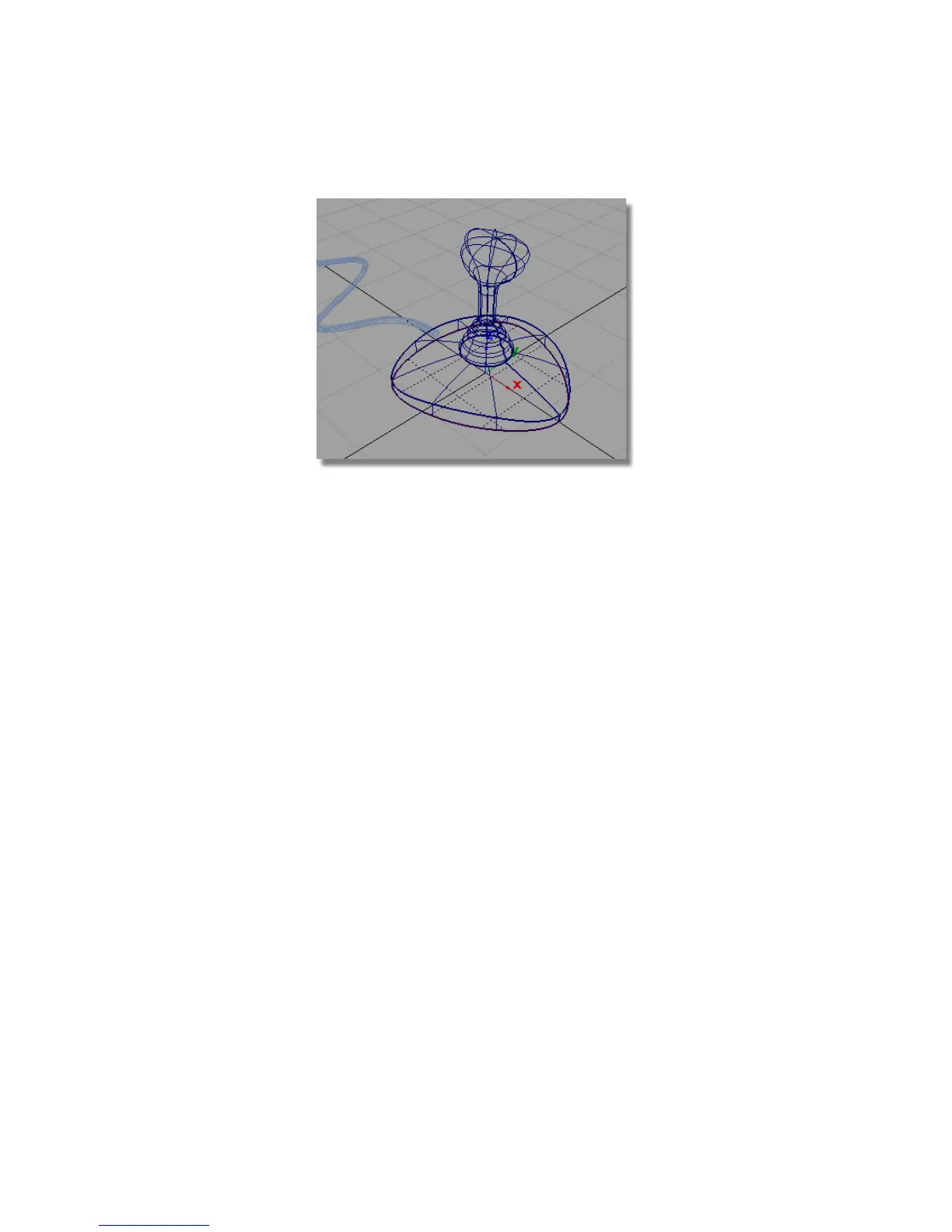
Save your work
1 Choose File > Save As to save the current scene.
2 Save your work in the wire directory of the Lessons project.
3 Name your file myjoystick6.wire.
Part 7: Creating the button
In this section, you will create a button from a modified sphere.
Opening the tutorial file (optional)
If you successfully completed Part 6, you can proceed directly to the next step,
Creating a primitive sphere.
Part 7: Creating the button | 257



 To Next Page