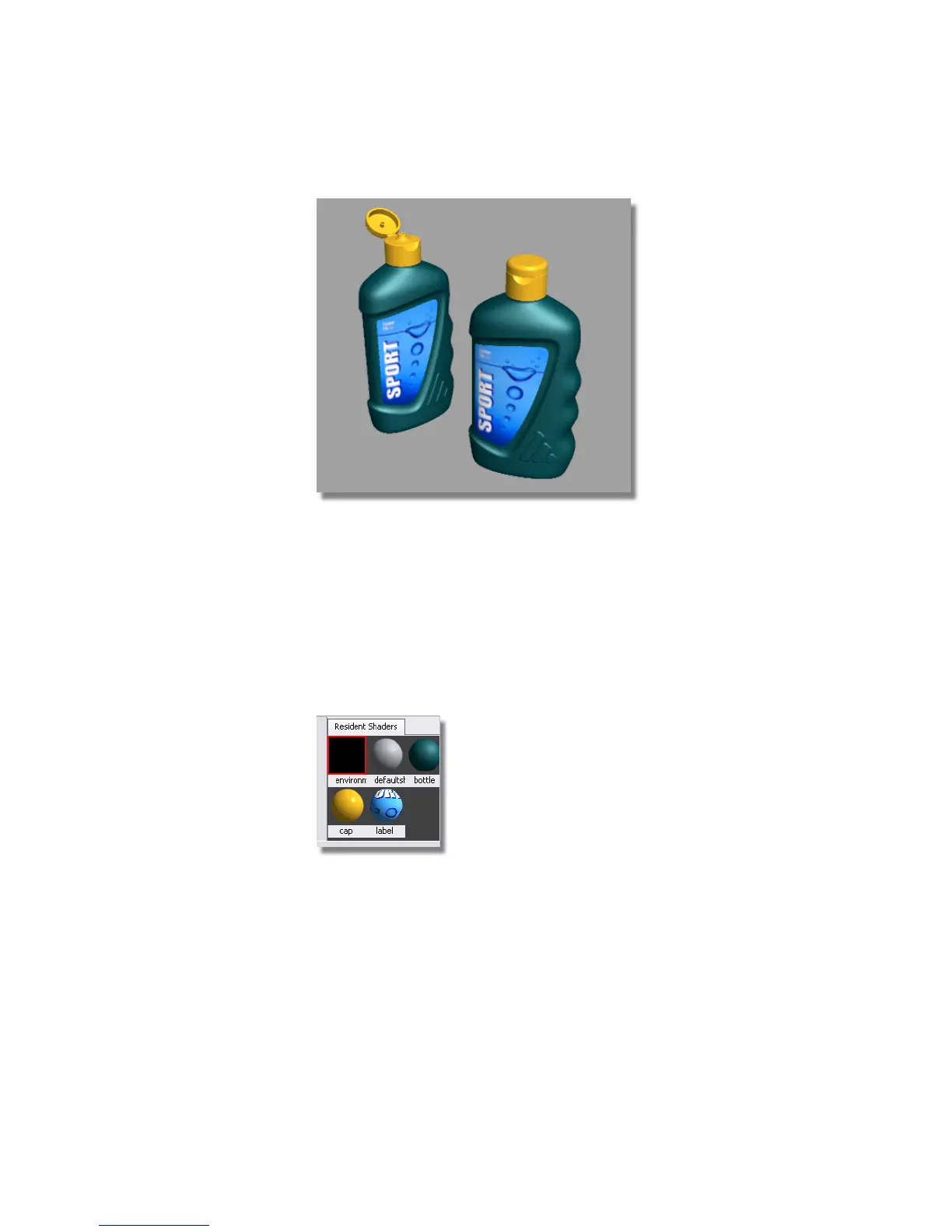
Shadows on a Ground Plane
Next, you will display the shadows cast by the lights, so you can design the
lighting for your scene.
First, you will enable the ‘virtual ground plane’ in the Environment shader.
This is an invisible floor plane that catches the shadows, but does not appear
rendered in the scene.
1 Double-click the Environment shader to open its option window.
2 Click the Hardware tab at the top of the option window.
3 Open the Ground Plane section.
Part 3: Lighting the Scene | 661



 To Next Page