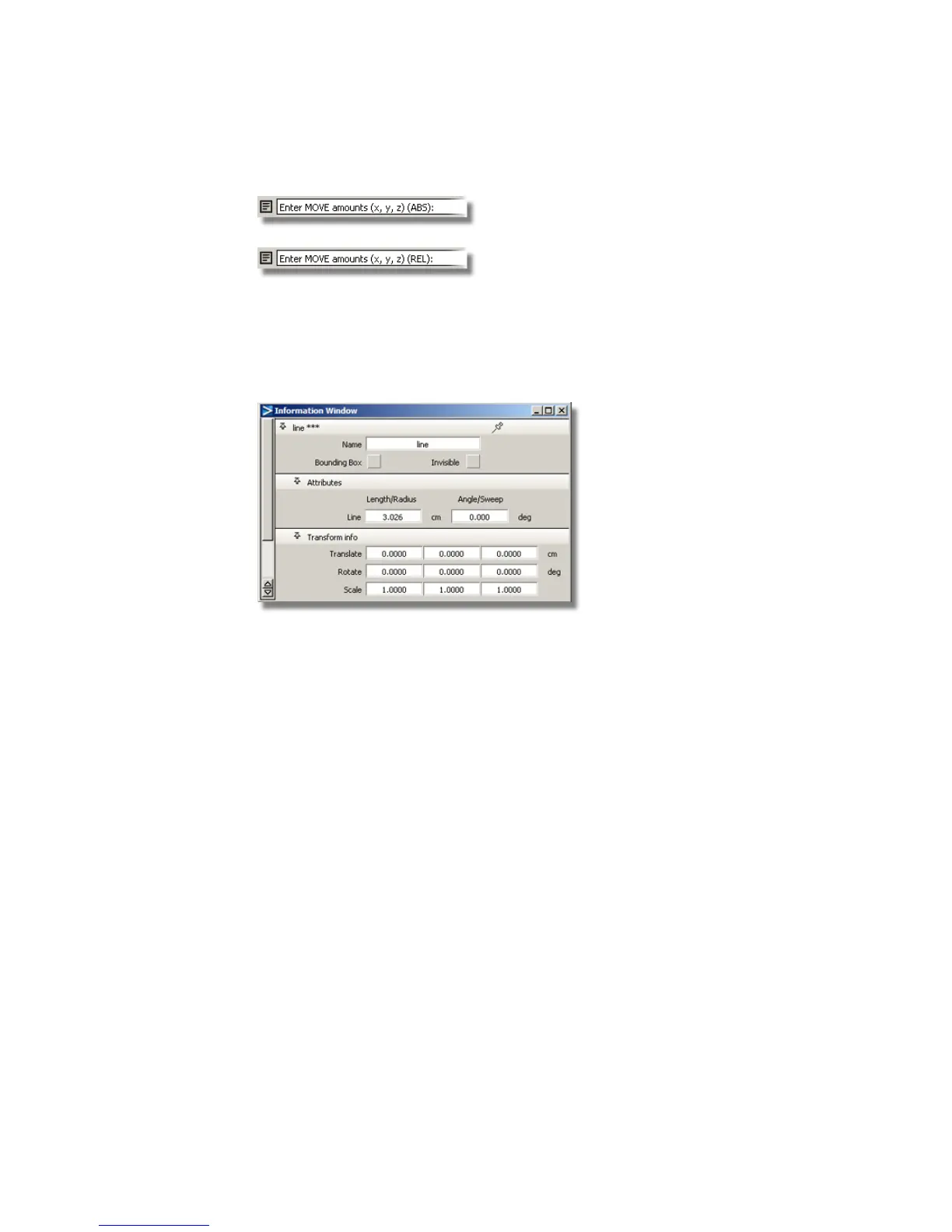
The Information Window
As well as entering coordinates in the prompt line, the Information
Window can be used to check or modify the dimensions of lines, curves and
objects.
You will use the Information Window to specify the radius of arcs.
Keypoint Curves
In the previous tutorials, you created freeform curves using CVs and Edit
Points.
In this tutorial, you will use keypoint curves to create geometrically accurate
lines and arcs.
402 | Chapter 7 Modeling an MP3 Player



 To Next Page