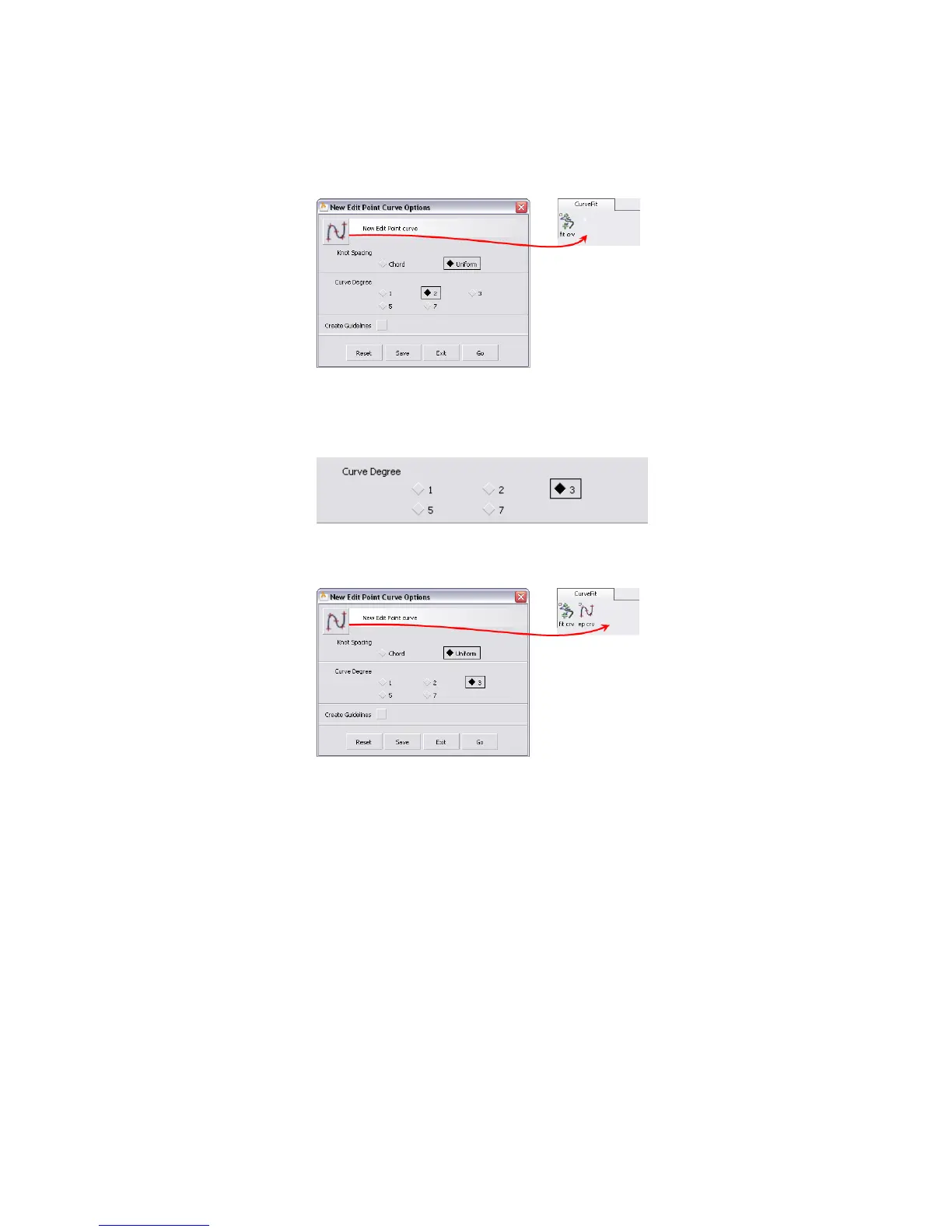
Now when you choose this icon in the shelf, the New Curve (edit pts)
tool creates degree 2 curves.
7 Back in the option window, set the Degree to 3.
8 Use the middle mouse button to drag the tool icon at the top of the option
window to the shelf.
Another copy of the tool is added to the shelf. When you choose this
copy of the tool, the New Curve (edit pts) tool will create degree 3
curves.
9 Click Exit at the bottom of the option window to close the window.
To rename the tools
1 Move the mouse over the CurveFit shelf’s title tab and press the right
mouse button to show the shelf’s menu.
Creating Custom Shelves | 45



 To Next Page