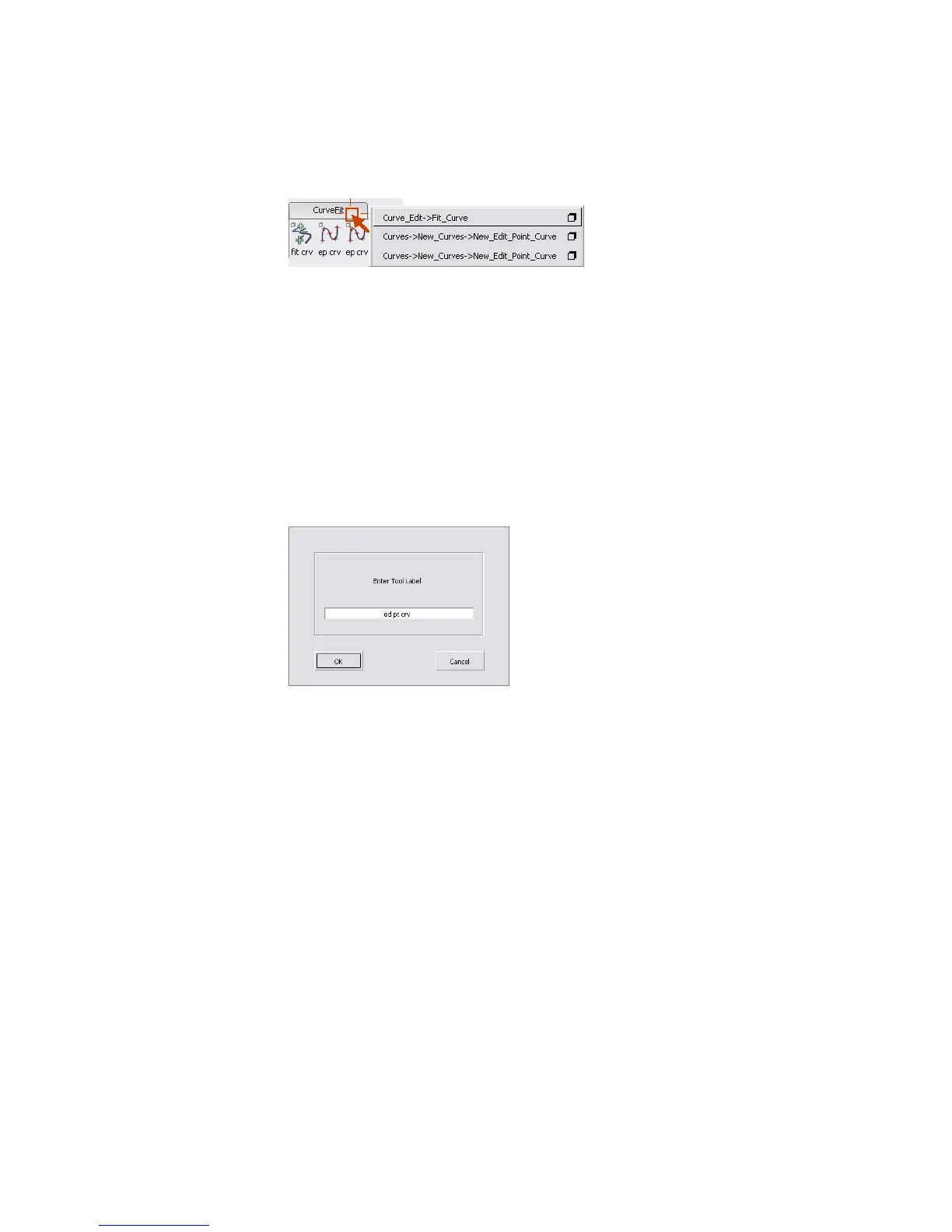
Note that the two versions of the tool have the exact same name and
icon.
To be able to distinguish between the tools, rename them.
2 Find the first version of New Curve by Edit Points you dragged to the
shelf.
If you cannot remember which is which, double-click the two icons to
see their option windows. You want the version with the Degree option
set to 2.
3 Hold down the Ctrl (Windows) or Control (Mac) key and double-click the
tool icon.
A name requester appears.
4 Double-click in the text box and type Edit_pt_Deg_2, then click OK to
rename the tool.
5 Hold down the Ctrl (Windows) or Control (Mac) key and double-click the
second copy of the New Curve by Edit Points tool.
6 Double-click in the text box and type Edit_pt_Deg_3, then click OK to
rename the tool.
7 Hold down the right mouse button on the title tab of the shelf to open the
shelf menu.
The two copies of the tool are now distinguishable in the menu, but still
have identical icons.
We recommend you keep the shelves collapsed and use the shelf menus
to choose tools. This saves space in the shelf.
46 | Chapter 3 Interface Basics



 To Next Page