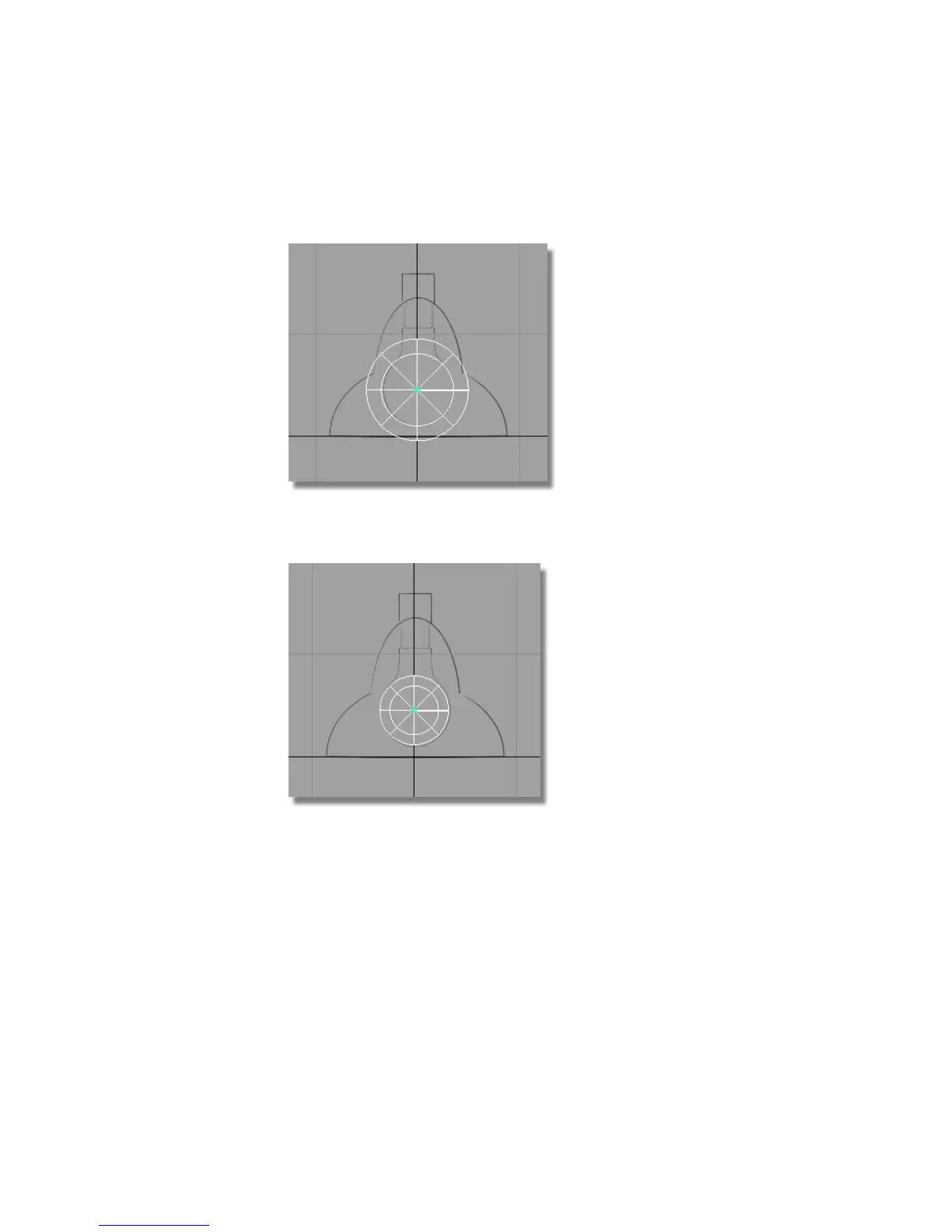
Use the right mouse button to move the bulb approximately on the center
of the sketched bulb.
5 Choose Transform > Scale and click and drag the left mouse button to
match the size of the sphere to the sketched bulb.
Creating the lampshade
Next, create the lamp shade. The main shape of the lamp shade is created
from two half-spheres, one large one and then a smaller one above. A cylinder
is then added to join the shade to the arm.
126 | Chapter 4 Introduction to 3D



 To Next Page