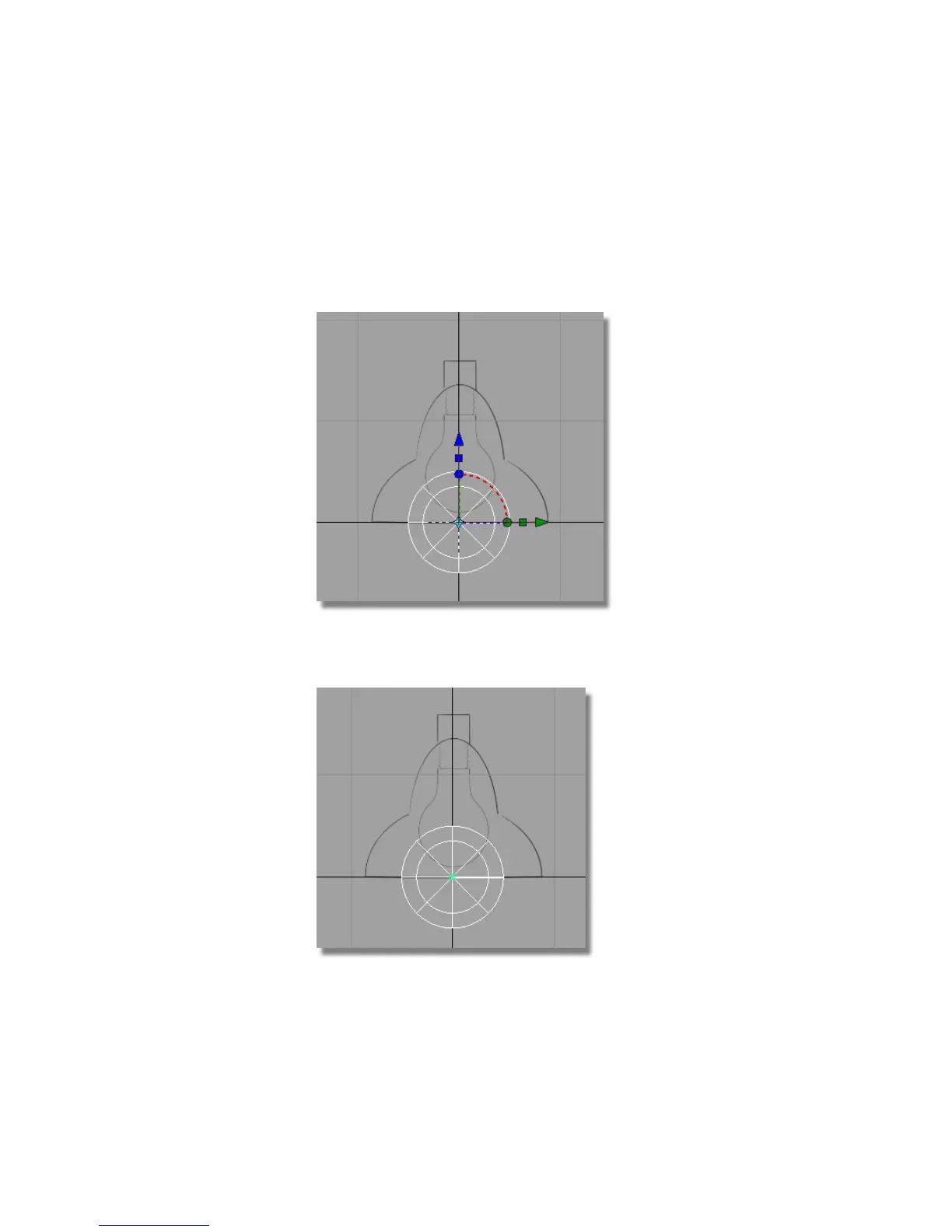
2 Choose the Surfaces > Primitives > Sphere tool.
3 Hold the Alt (Windows) or Command (Mac) key down to turn on grid
snapping. Click and hold the left mouse button, and move the cursor
around. The new sphere jumps to grid points as you near them.
Position the new sphere on the origin.
4 Choose Transform > Move .
The manipulator disappears.
Part 4: Building the lampshade | 125



 To Next Page