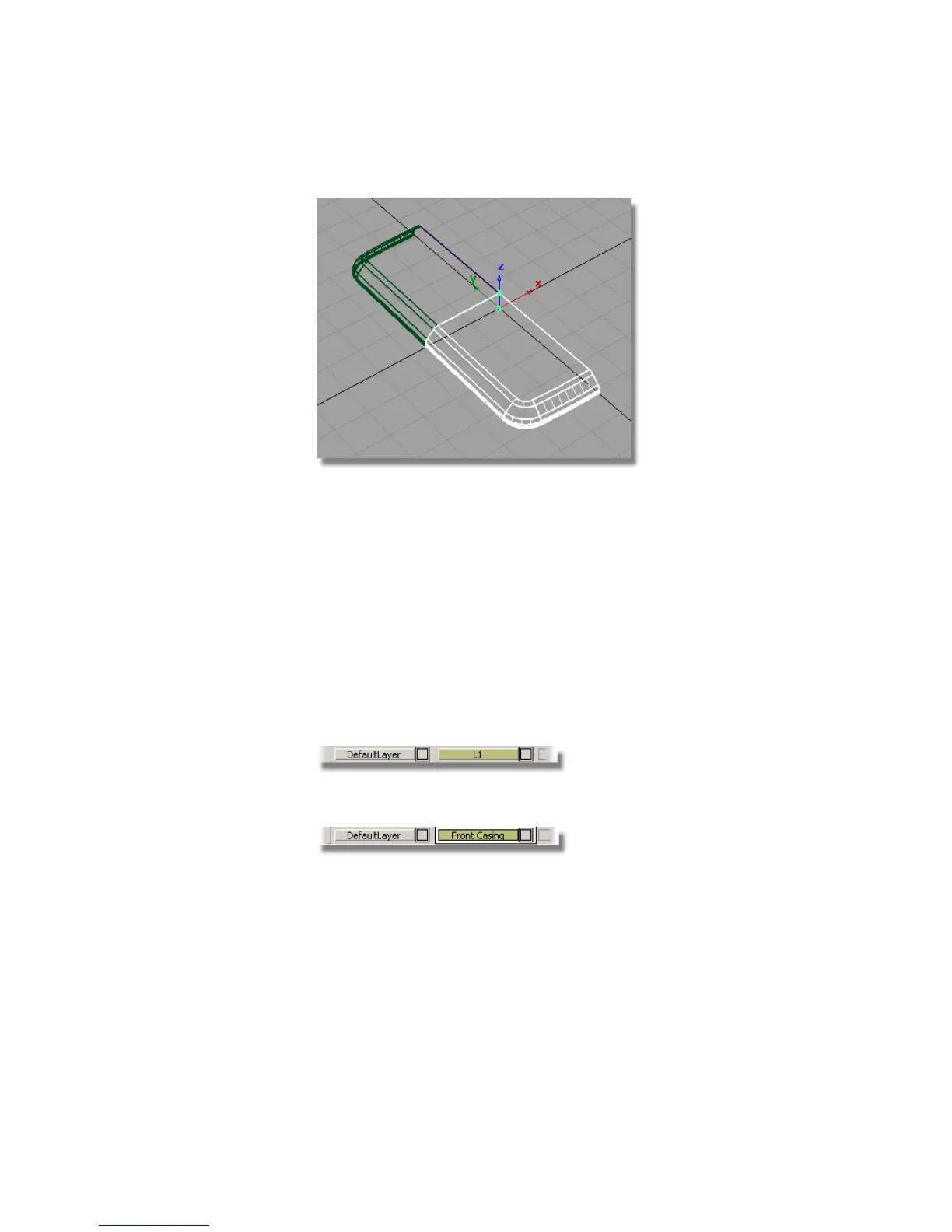
4 Choose Pick > Nothing to deselect the surfaces.
Layer Symmetry
You used mirror to create the lower surfaces, so that the top surfaces can be
modified, by adding a screen, and the lower surfaces can be modified by adding
buttons.
For the left and right sides of the design however, you want the geometry to
be the same on both sides. So for the left and right sides, you will use Layer
Symmetry to view a mirror image of the geometry, which will update as you
continue to build surfaces.
1 Choose Layers > New to create a layer for the front casing.
2 Double-click in the layer tab and rename the layer Front Casing.
3 Choose Pick > Object and drag a pick box over all the surfaces to select
them.
4 Choose Assign from the Front Casing layer tab sub-menu.
Part 3: Completing the Casing | 437



 To Next Page