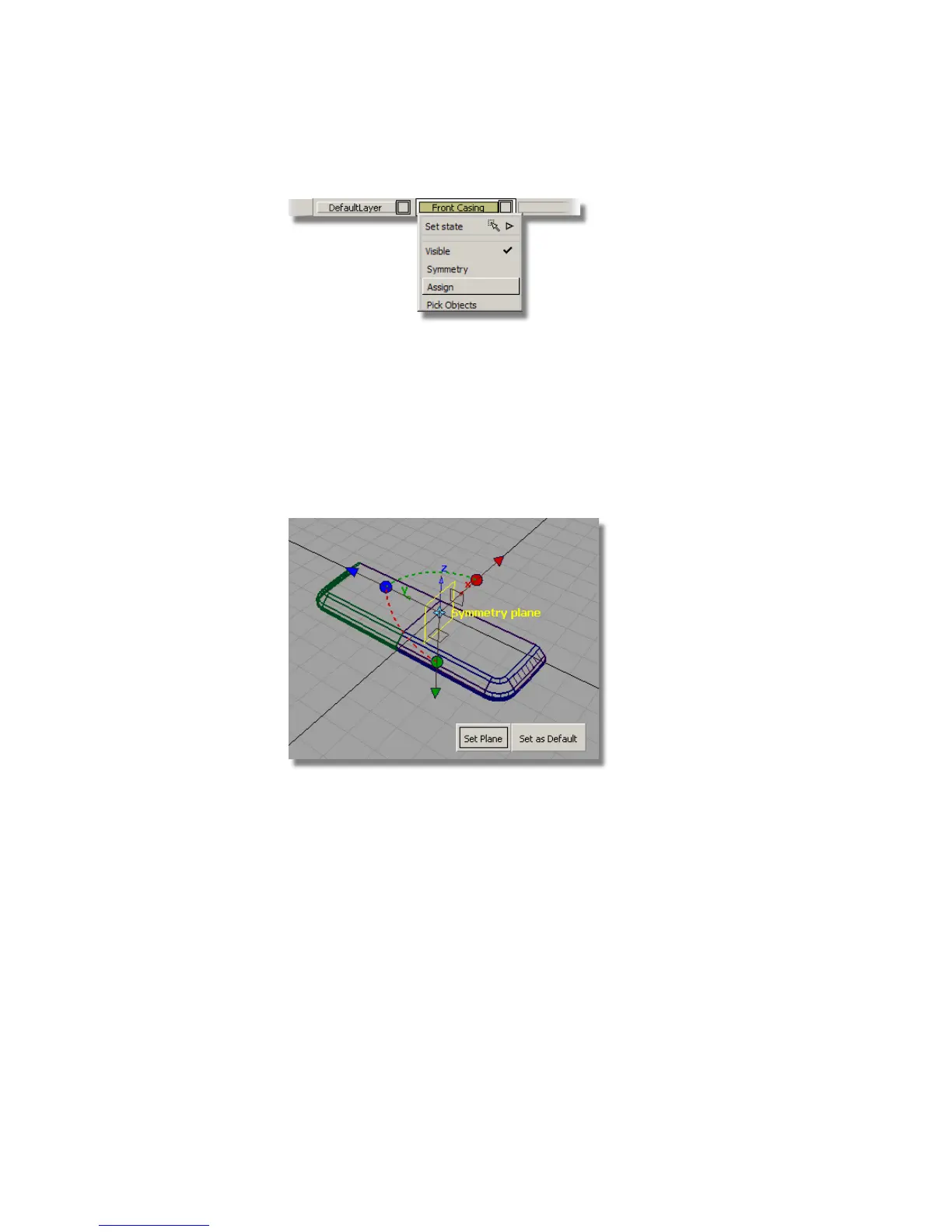
The symmetry on layers is typically used in one of the three axis
directions. Now you will set the Symmetry Plane so that your geometry
is mirrored left to right.
The new layer is selected and shown in yellow. (If the layer isn’ t selected,
you need to click the layer tab to select it).
5 Choose Layers > Symmetry > Set Plane .
The current symmetry plane is highlighted in yellow. You need to change
this so that the geometry will be mirrored left and right.
6 Click the small brown square that represents the YZ plane.
438 | Chapter 7 Modeling an MP3 Player



 To Next Page