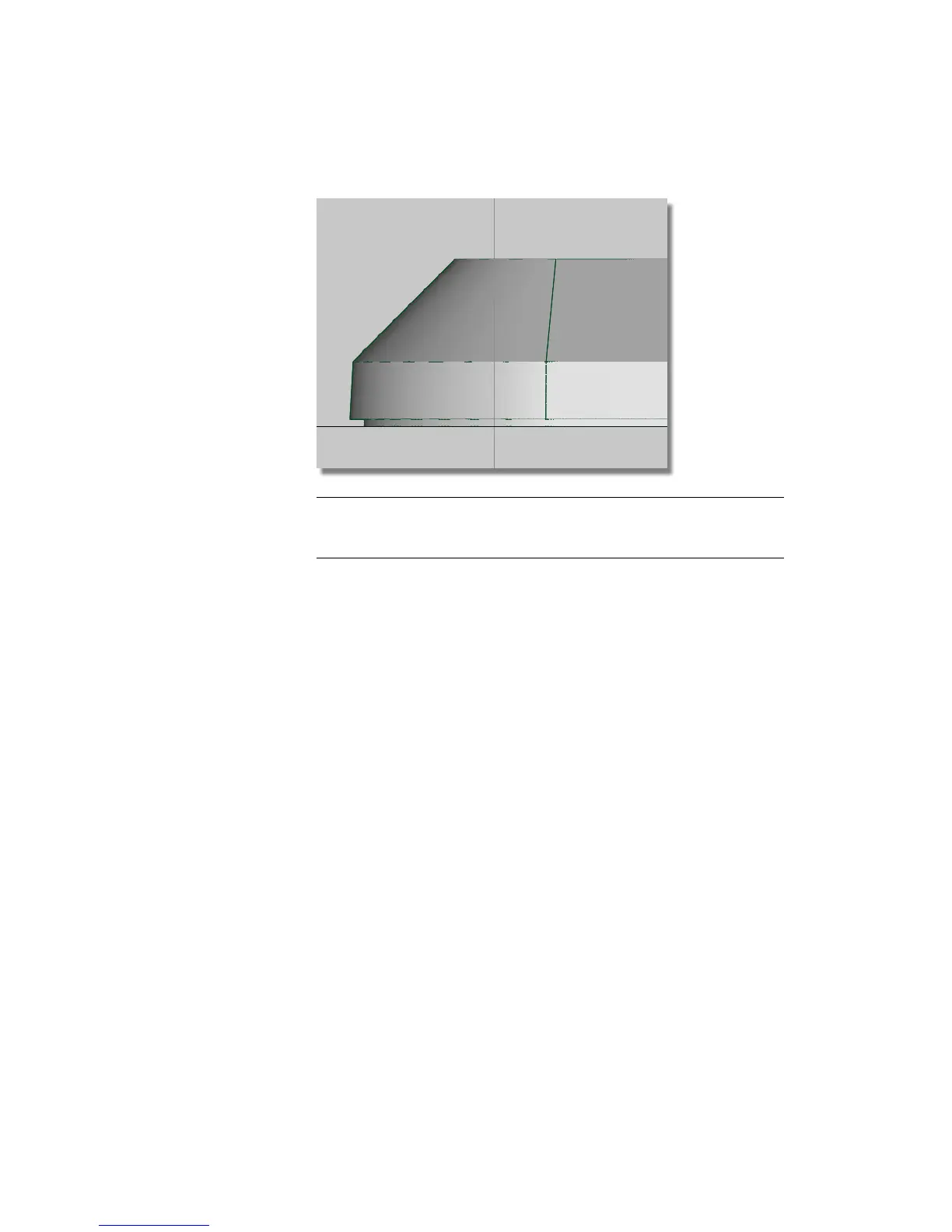
TIP The Draft and Flange tools may create some extra curves-on-surface. Use
Pick > Object Types > Curve on Surface and drag a box over all the surfaces
to select them. You can delete these, as they aren’t needed.
Saving your work
1 Choose File > Save As to save the current scene.
2 Save your work in the wire directory of the Lessons project.
3 Name your file myMP3Player2.wire.
For information on creating the Lessons project, or saving your work, see
Saving your work in a Windows environment on page 96 or Saving your work
in a Mac OS X environment on page 100.
Part 3: Completing the Casing
To complete the design, you will use a Plane surface to create the front of the
casing, and a Surface Fillet to trim and fillet it to the chamfered surfaces.
You will use Layer Symmetry and Mirror to create all the surfaces for the front
casing.
Part 3: Completing the Casing | 425



 To Next Page