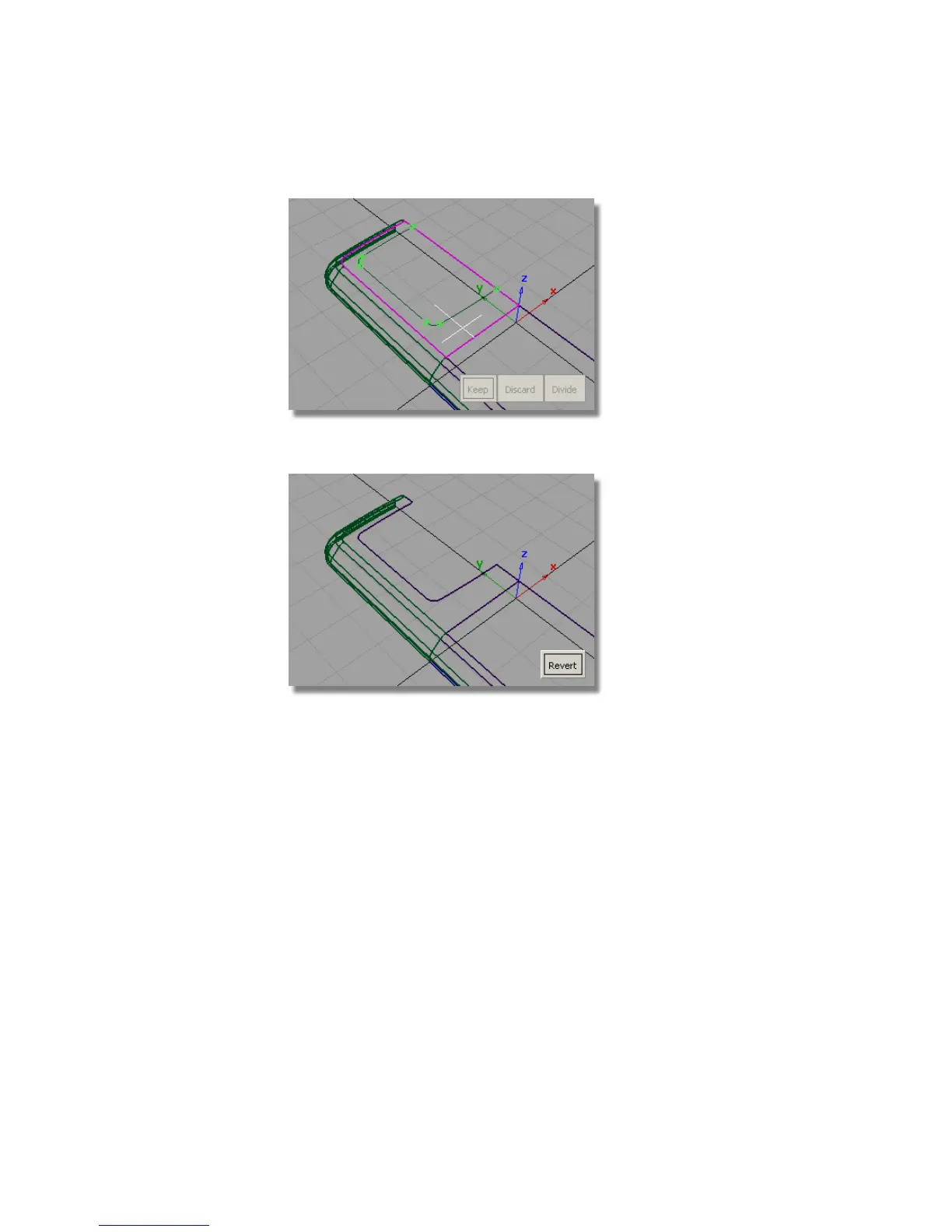
11 Click Keep to trim the surface.
Creating the Screen Surfaces
Now you will create a chamfered edge for the screen, and a screen surface.
1 Choose Surfaces > Draft Surfaces > Draft/Flange. Double-click the icon
to open the option window.
Reset the Construction Type to Draft.
Set the Angle to 45 degrees and the Surface Depth to 1.5.
456 | Chapter 7 Modeling an MP3 Player



 To Next Page