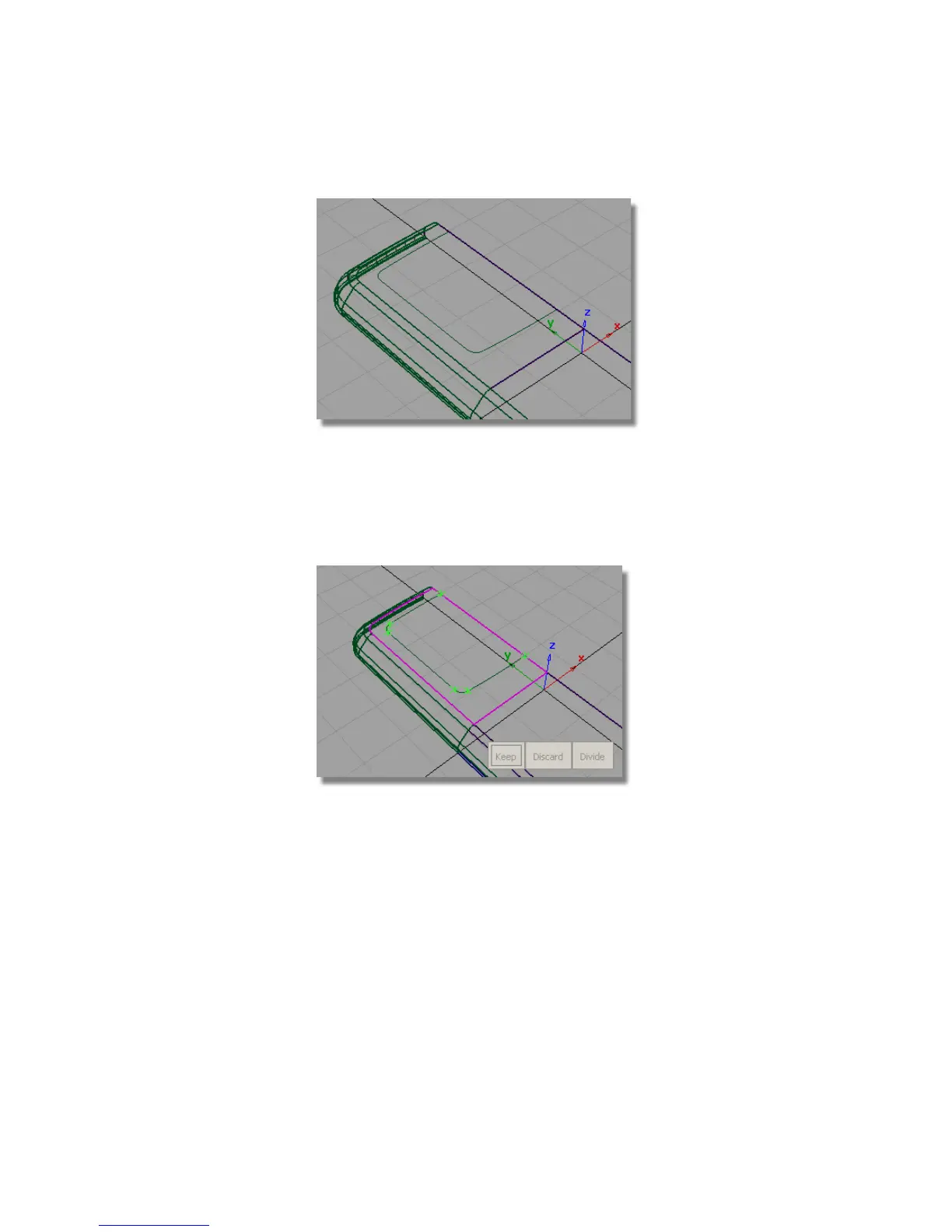
Next, you will trim the front face of the casing to create the opening for
the screen.
9 Choose Surface Edit > Trim > Trim Surface . You are prompted to select
a surface to trim.
Pick the plane surface.
10 You are then prompted to select a region.
Click the plane surface, outside the screen area.
Part 4: Creating the Screen Recess | 455



 To Next Page