Volume Measurement
If you have built your model carefully so there are no gaps between the surface
patches, you can calculate the volume enclosed by those surfaces.
For the volume calculation to be accurate, all the surfaces need to face
outwards.
As you build you model, you aren't concerned with the surface orientation,
and surfaces will randomly face inwards or outwards.
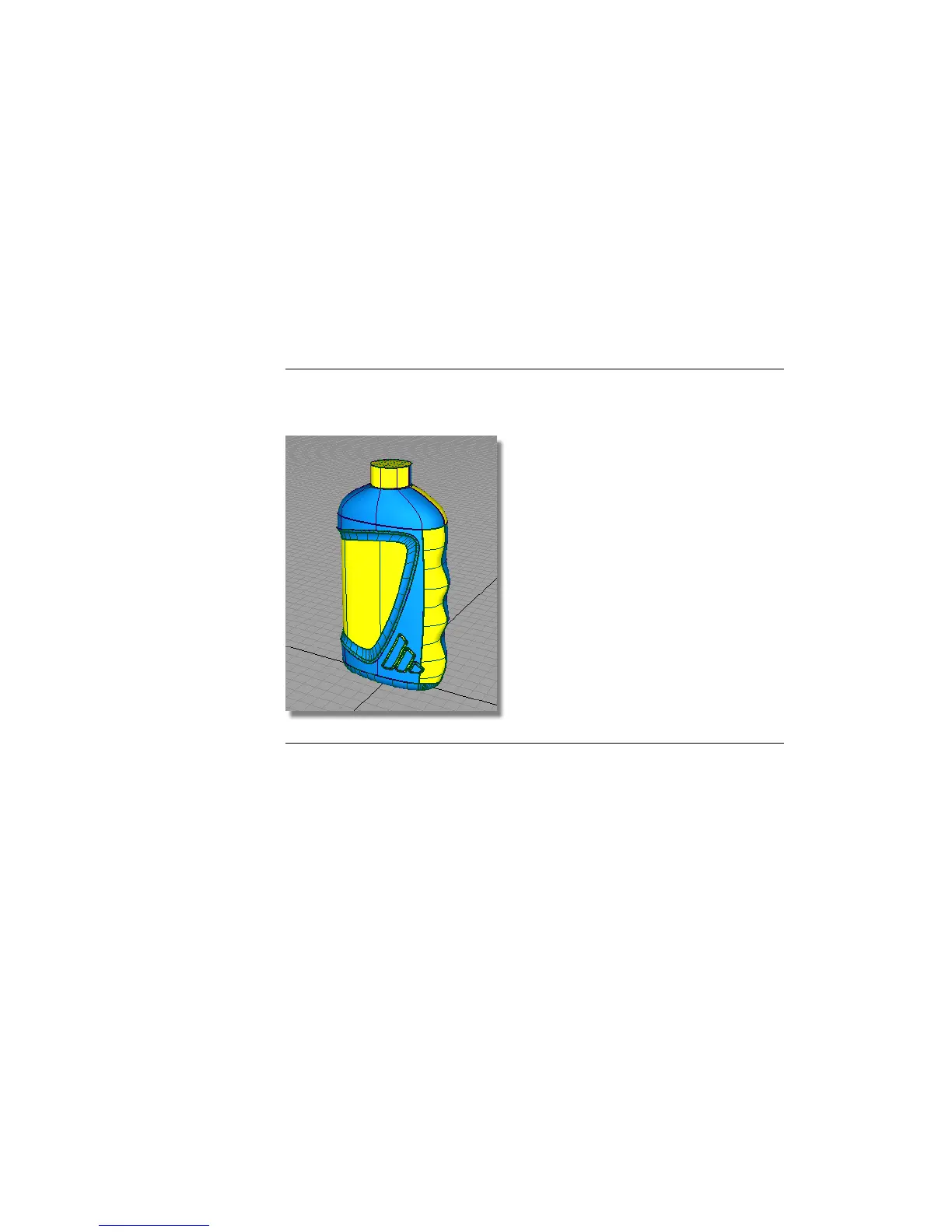
NOTE The Surface Edit > Orientation > Set Surface Orientation tool can be used
to show surface orientation (blue shading means that the surface faces outwards,
yellow, inwards).
For an accurate volume calculation, you need all the surfaces to face outwards.
So you will first unify the orientation of the surfaces.
Preparing the Model for Volume Calculation
1 Make sure that only the bottle surfaces are visible on screen.
2 Choose Surface Edit > Orientation > Unify Surface Orientation . Drag a
pick box over the whole model to select all the surfaces.
Part 6: Completing the Model | 593



 To Next Page