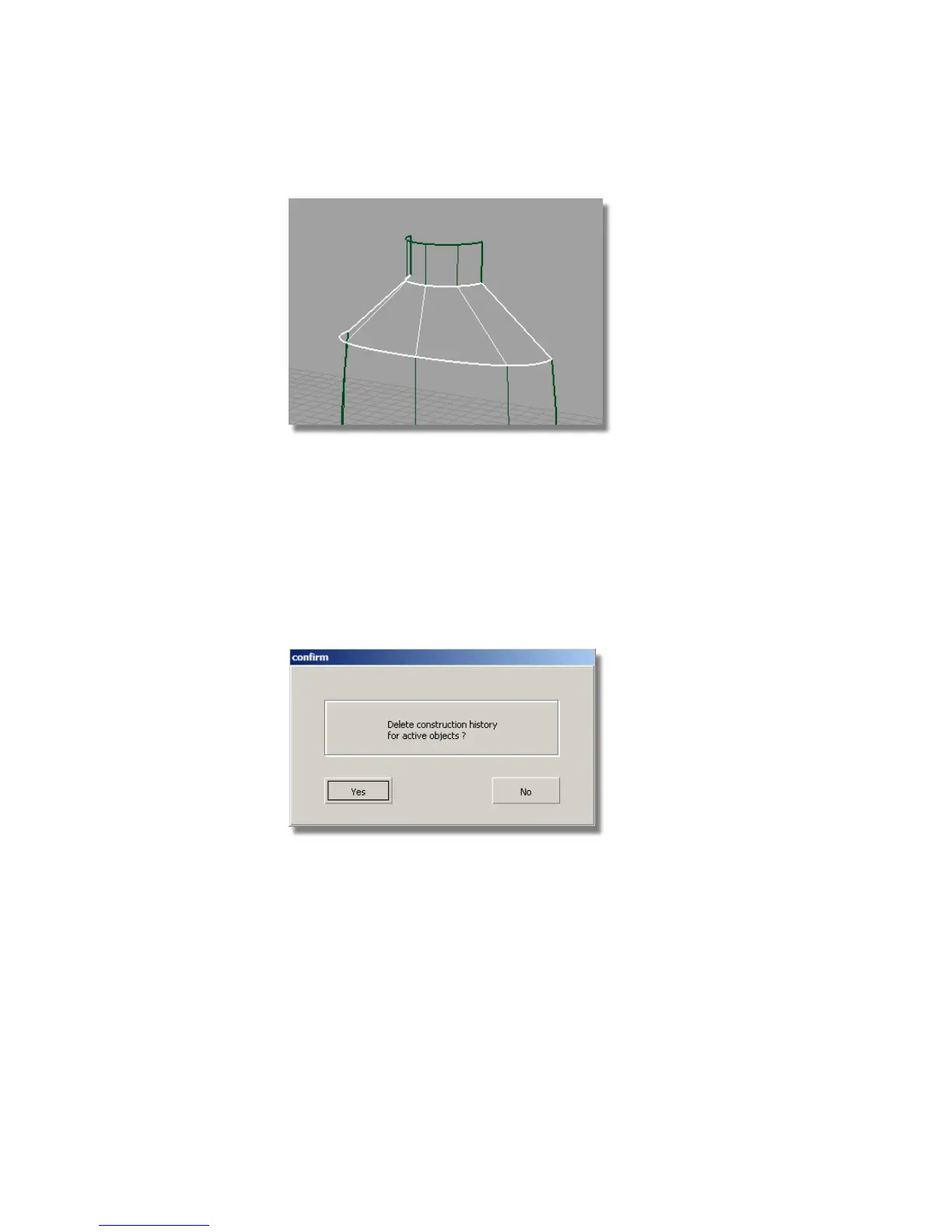
Aligning the Shoulder Surface
Now, you will use the Align tool to modify the shoulder surface, making it
Tangent to the body surface.
First, delete the Construction History of the shoulder skin, to allow it to
be modified.
1 With the shoulder surface still selected, choose Delete > Delete
Construction History and answer Yes when prompted.
2 With the surface still selected, turn on the CVs by clicking the Cv/Hull
check box on the Control Panel. This makes it easier to see the results of
the Align tool.
526 | Chapter 8 Modeling a Sports Shower Gel Bottle



 To Next Page