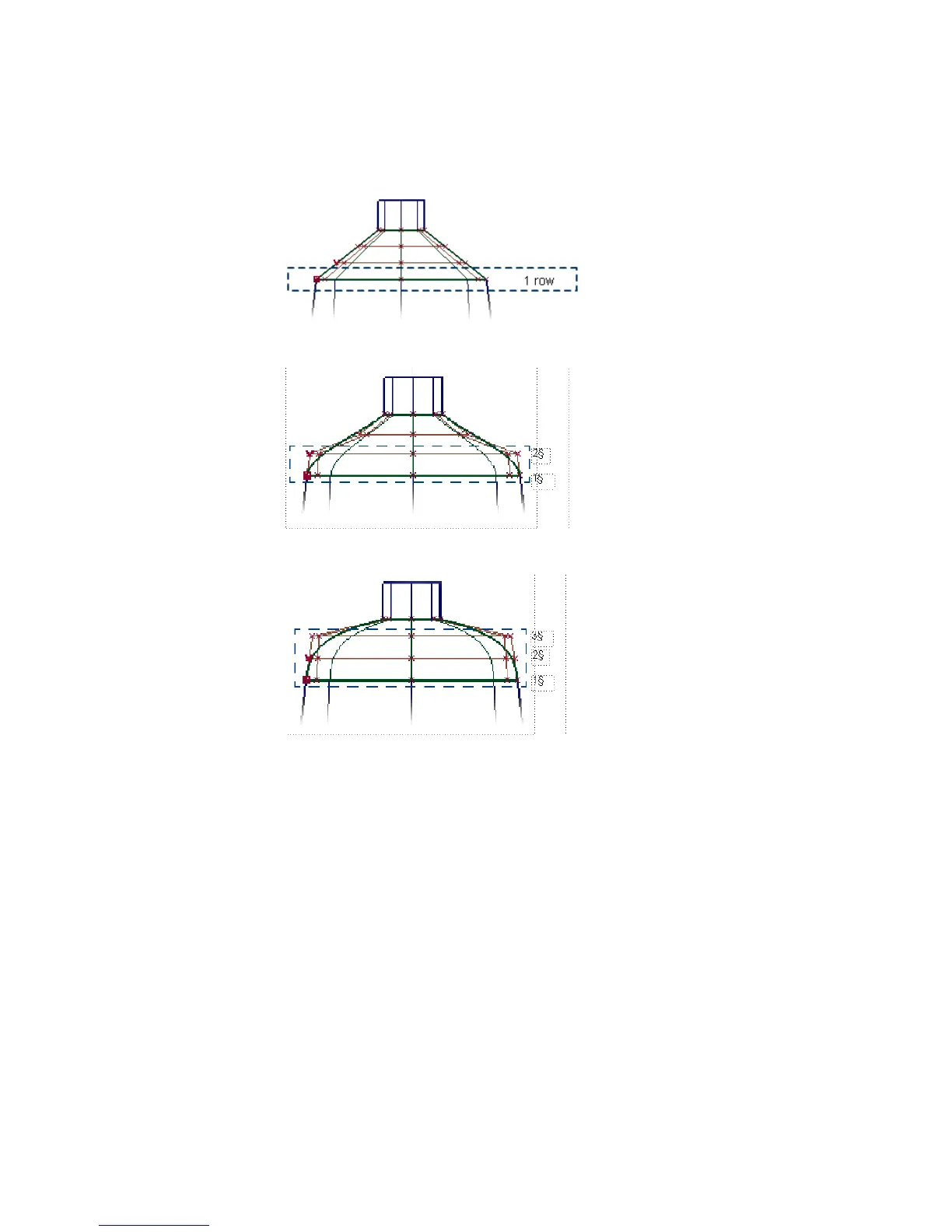
Tangent Continuity Two rows of CVs are aligned to the other surface.
Curvature Continuity Three rows of CVs are aligned to the other surface.
Creating the Shoulder Surface
First, create the shoulder surface with positional continuity.
1 Choose the Surfaces > Skin tool.
2 When prompted, select the edges of the body and neck surfaces to create
the shoulder skin surface.
Part 1: Creating Primary Surfaces | 525



 To Next Page