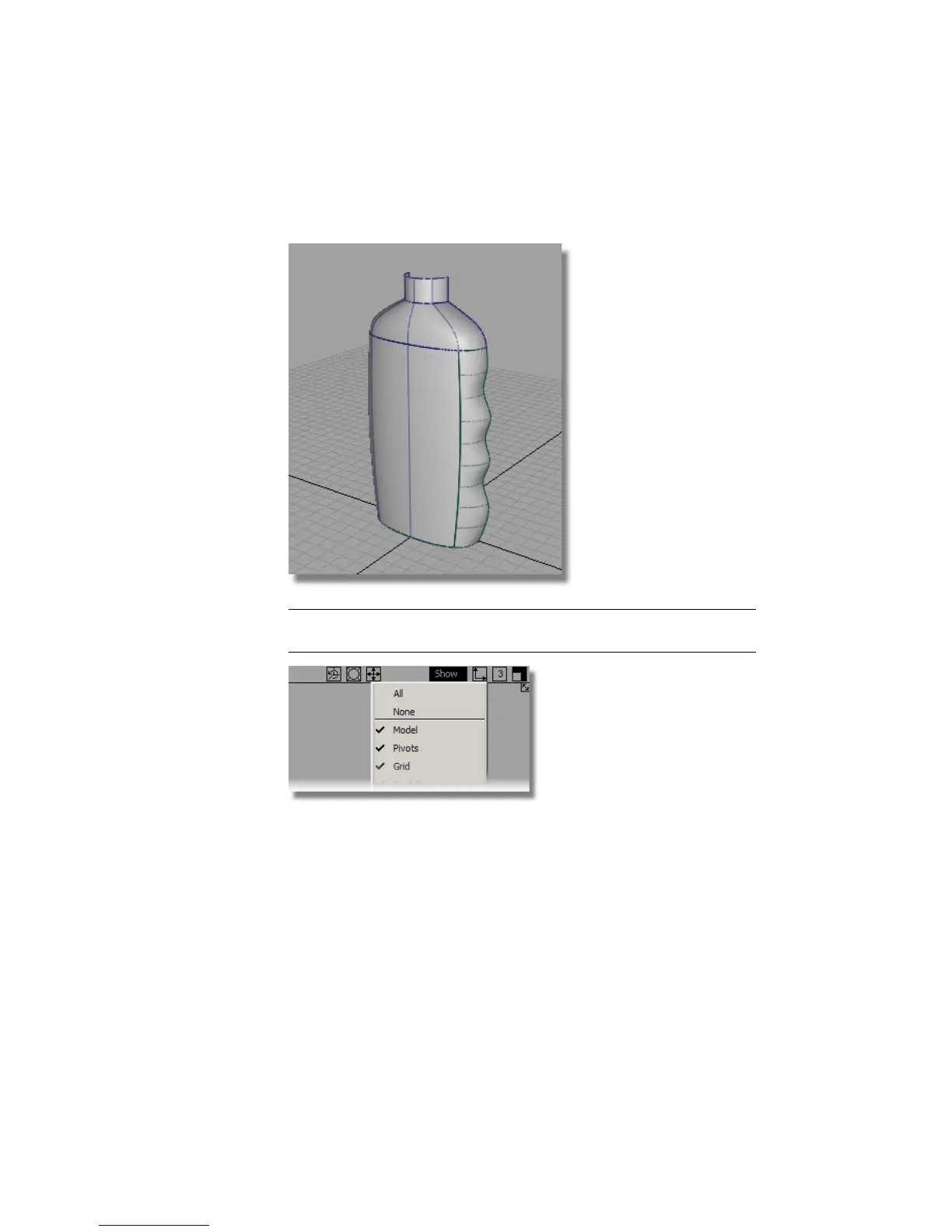
5 Choose Pick > Nothing to deselect the surface and use diagnostic
shading to evaluate the design.
TIP Use the Show menu on the window pane to turn off the model and the
grid. Remember to turn them on again when you remove the shading.
Creating the Base Surface
The base of the bottle will be created as a flat plane.
1 Choose Surfaces > Planar Surfaces > Set Planar .
2 You are prompted to drag/select curves. Drag a pick box over the two
base curves.
542 | Chapter 8 Modeling a Sports Shower Gel Bottle



 To Next Page