lines. Most tools and commands work on picked objects. Since the
Cylinder is picked, any tools or commands you choose will be applied to
it.
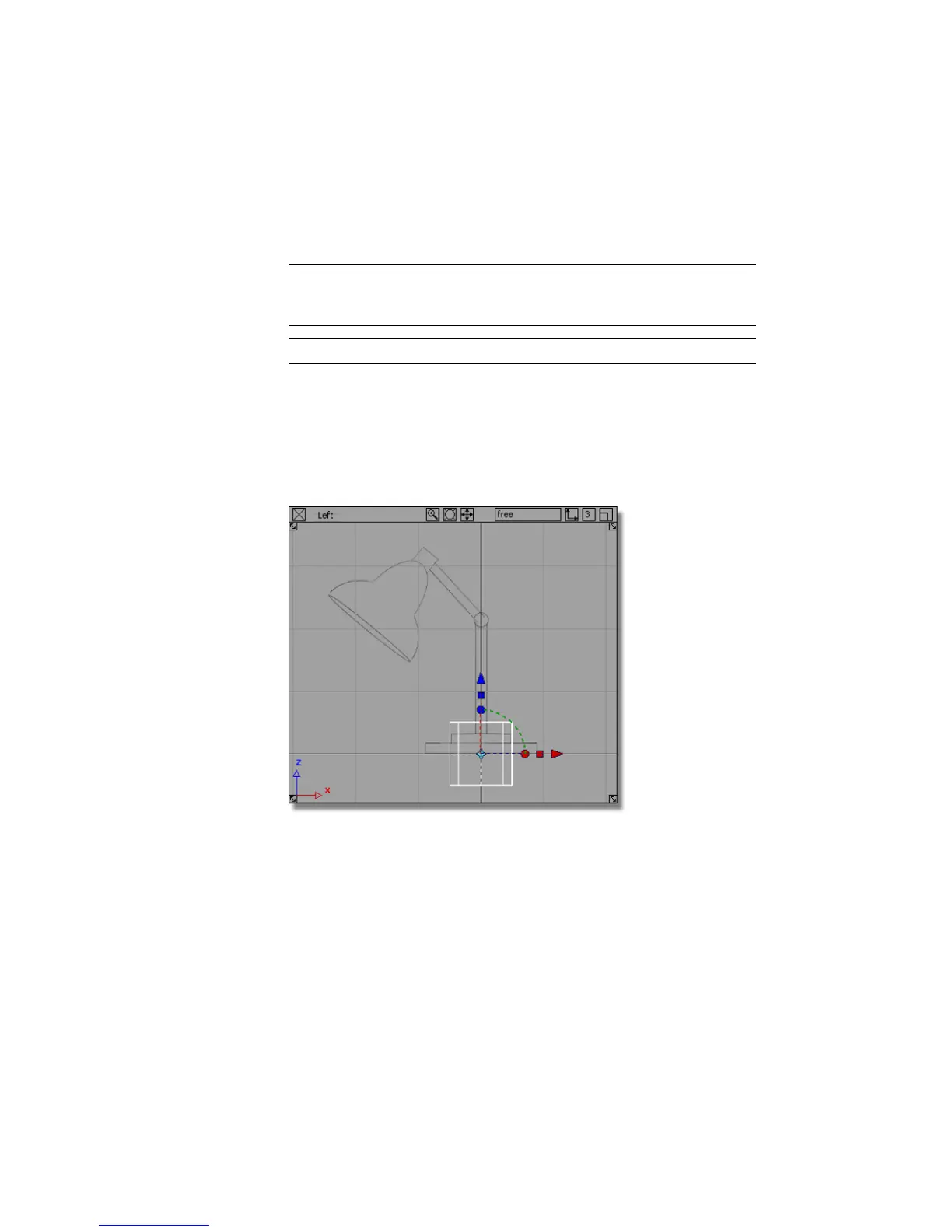
NOTE The cylinder has a manipulator attached to it, as do all primitives when
they are first added to the scene. The manipulator can be useful for
transforming a primitive, but is not relevant to this tutorial.
TIP To delete the cylinder, press the Delete key.
Scaling the lamp base
Next scale the cylinder to the correct size.
1 Maximize the Left view, as this is the view you will continue working
in.
2 Choose Transform > Scale .
92 | Chapter 4 Introduction to 3D



 To Next Page