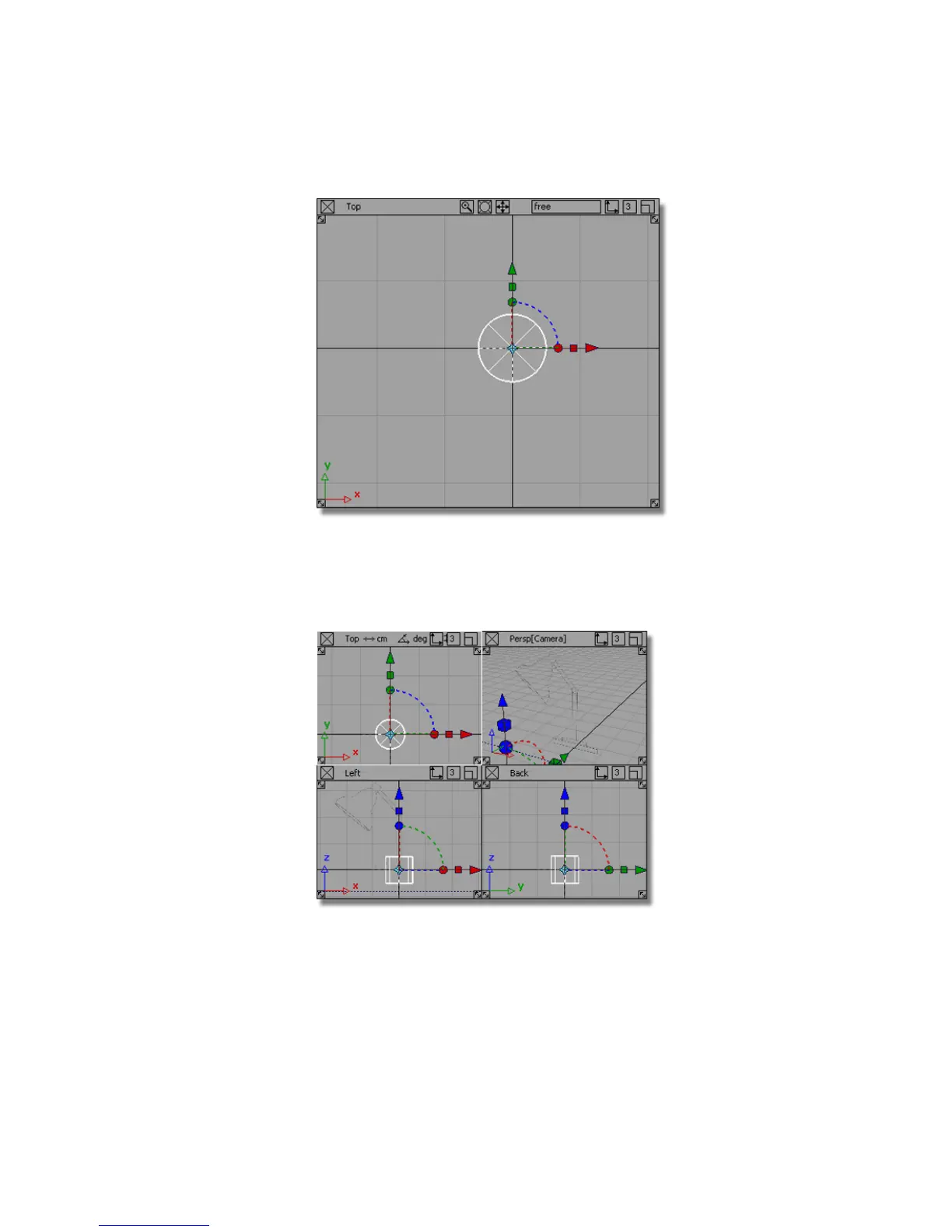
Release the Alt (Windows) or Command (Mac) key and the mouse button.
5 Choose Layouts > All Windows > All Windows or press the F9 key to
display all four views, and check that the cylinder has been placed
correctly, as shown.
The cylinder remains picked, or active. Picked objects are drawn with
white lines, and objects that are not picked are drawn with dark blue
Part 1: Creating 3D objects | 91



 To Next Page