Default Lights
When you choose WindowDisplay > Hardware Shade , a set of default lights
are automatically created to light your scene.
The default lights are one Ambient and one Directional light.
Lights in the Multi-lister
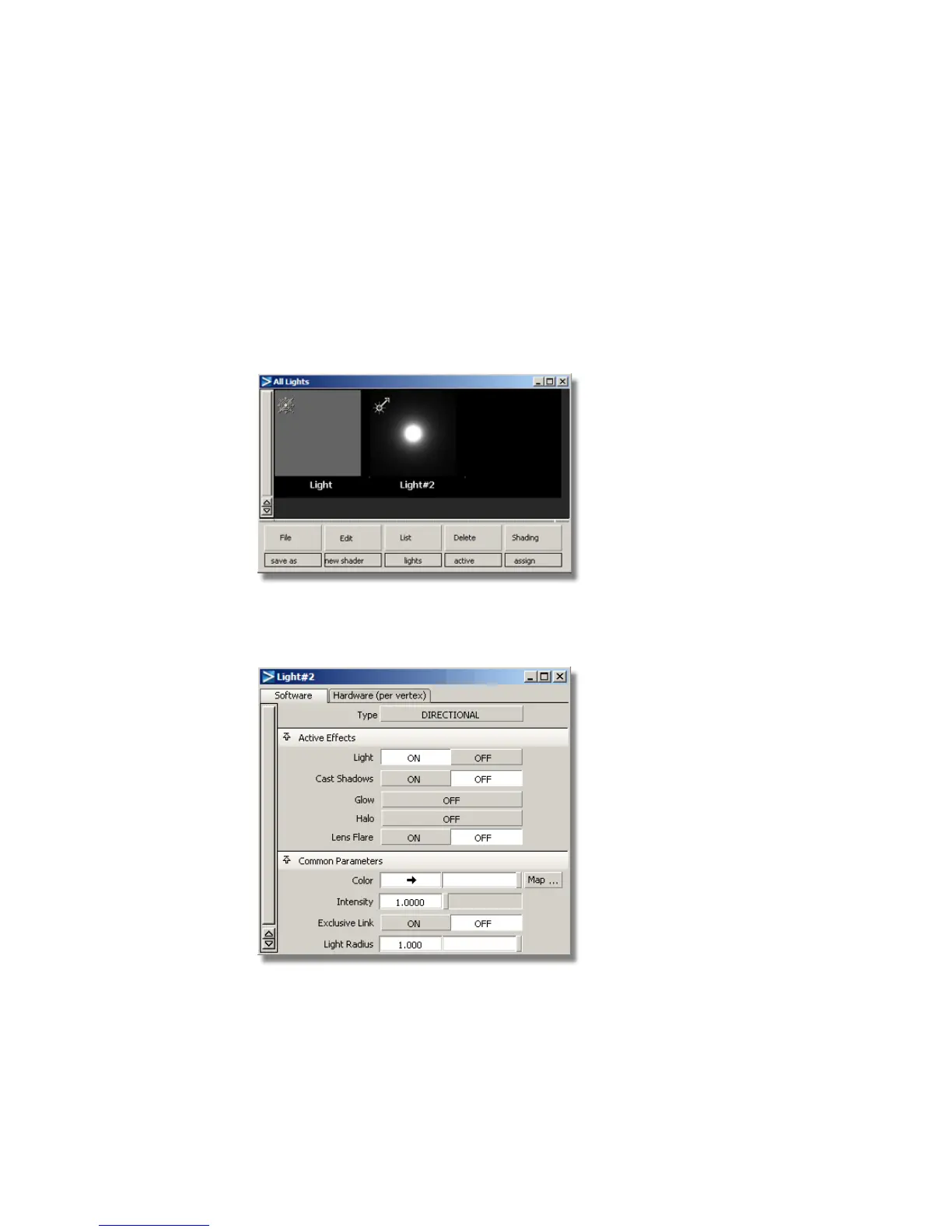
When you create lights, they are listed in the Multi-lister.
If you double-click a light icon in the Multi-lister, you open the Light editor.
This is where you can set and edit the light parameters such as Intensity and
Color.
658 | Chapter 10 Shaders and Lights



 To Next Page