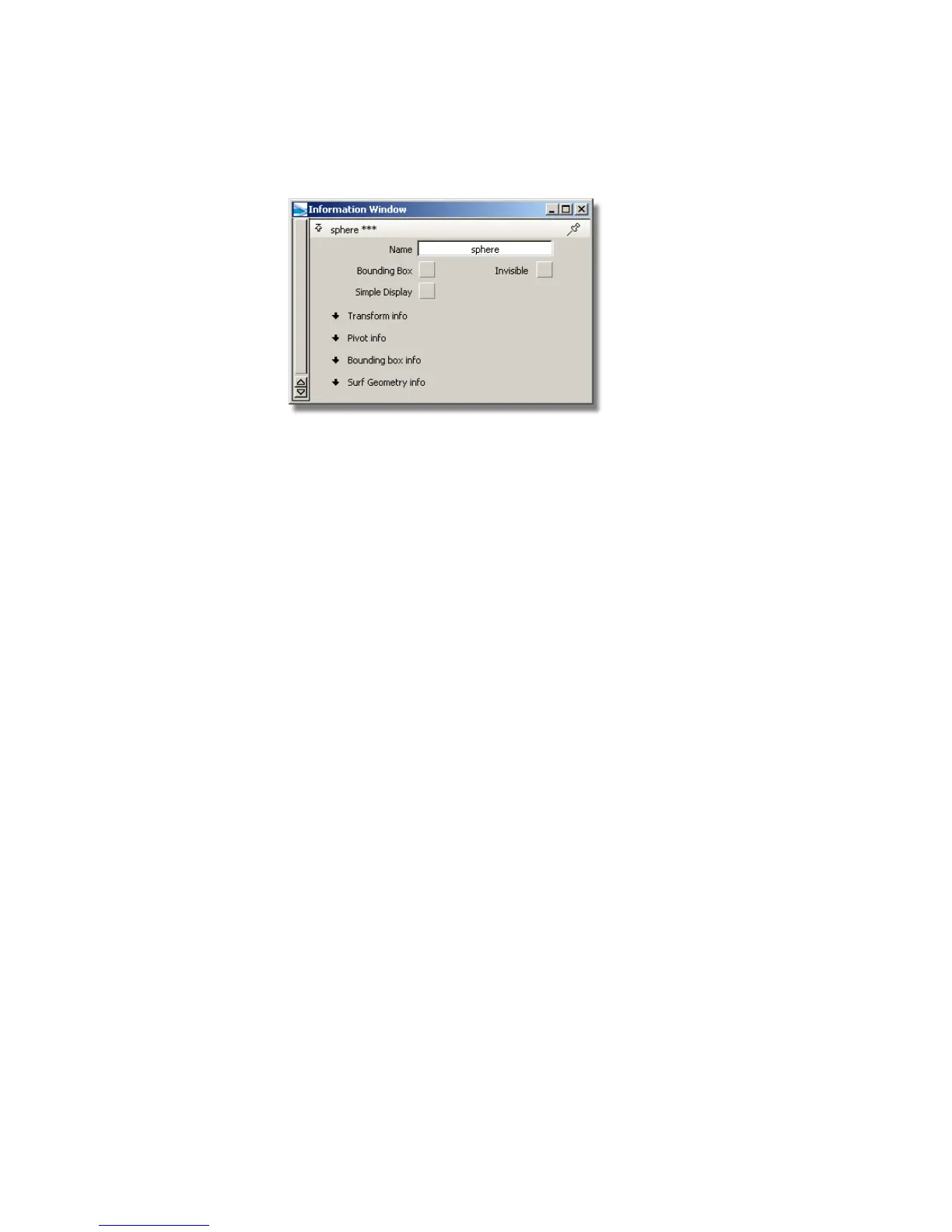
The information window allows you to adjust parameters for objects in
the scene.
3 Find the Name field. The name of the object should be sphere or
something similar.
4 Close the Information window.
5 Click in empty space with the middle mouse button.
All objects in the scene are unpicked.
■ Remember, the middle mouse button picks only what you click. If
you pick “nothing” (empty space), then the tool acts as if you had
chosen Pick > Nothing .
6 Type sphere, then press Enter (Windows) or Return (Mac). The text appears
as you type in the promptline at the top of the workspace window.
When you press Enter (Windows) or Return (Mac), the sphere is picked.
Shortcuts to Tools
The variety of tools available is the source of Alias’s power, but finding tools
in the palette can become potentially time consuming. You can make
commonly used tools available more quickly, and hide rarely used tools until
you need them.
Alias provides three solutions: shelves, marking menus, and hotkeys.
40 | Chapter 3 Interface Basics



 To Next Page