Watch Part 3 of the tutorial.
Creating a granite texture
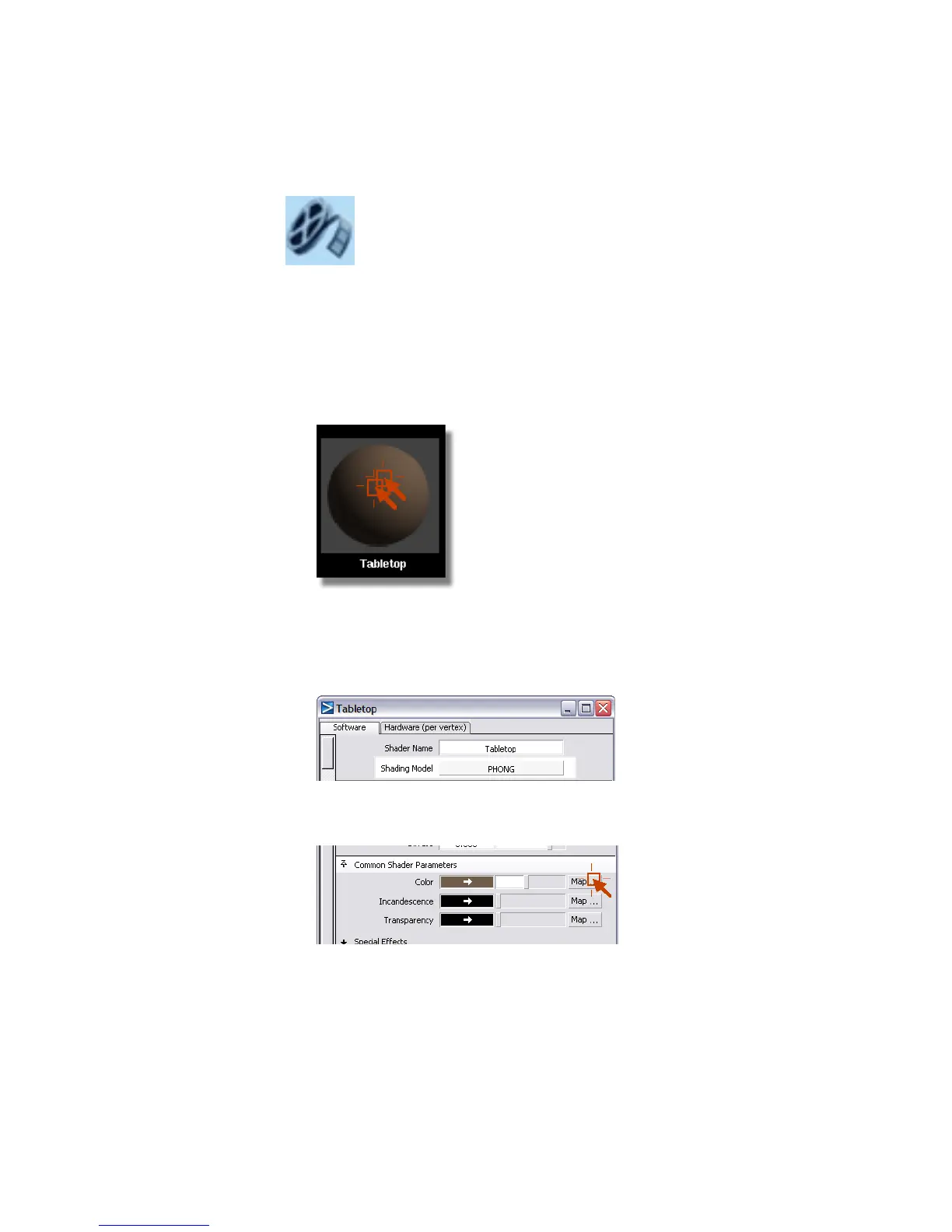
1 Open the Multi-lister window, and display only the shaders (Render >
Multi-lister > Shaders).
2 Double-click the Tabletop shader to open the Tabletop control window.
3 In the Tabletop Control Window, change the Shading Model to
Phong. This will allow you to create a more reflective surface for the
tabletop. Phong is good for polished stone -- the highlights are based on
the light’s color.
4 Click the Map button next to the Color field to open the Texture
Procedures window.
Part 3: Creating a 3D solid texture | 703



 To Next Page