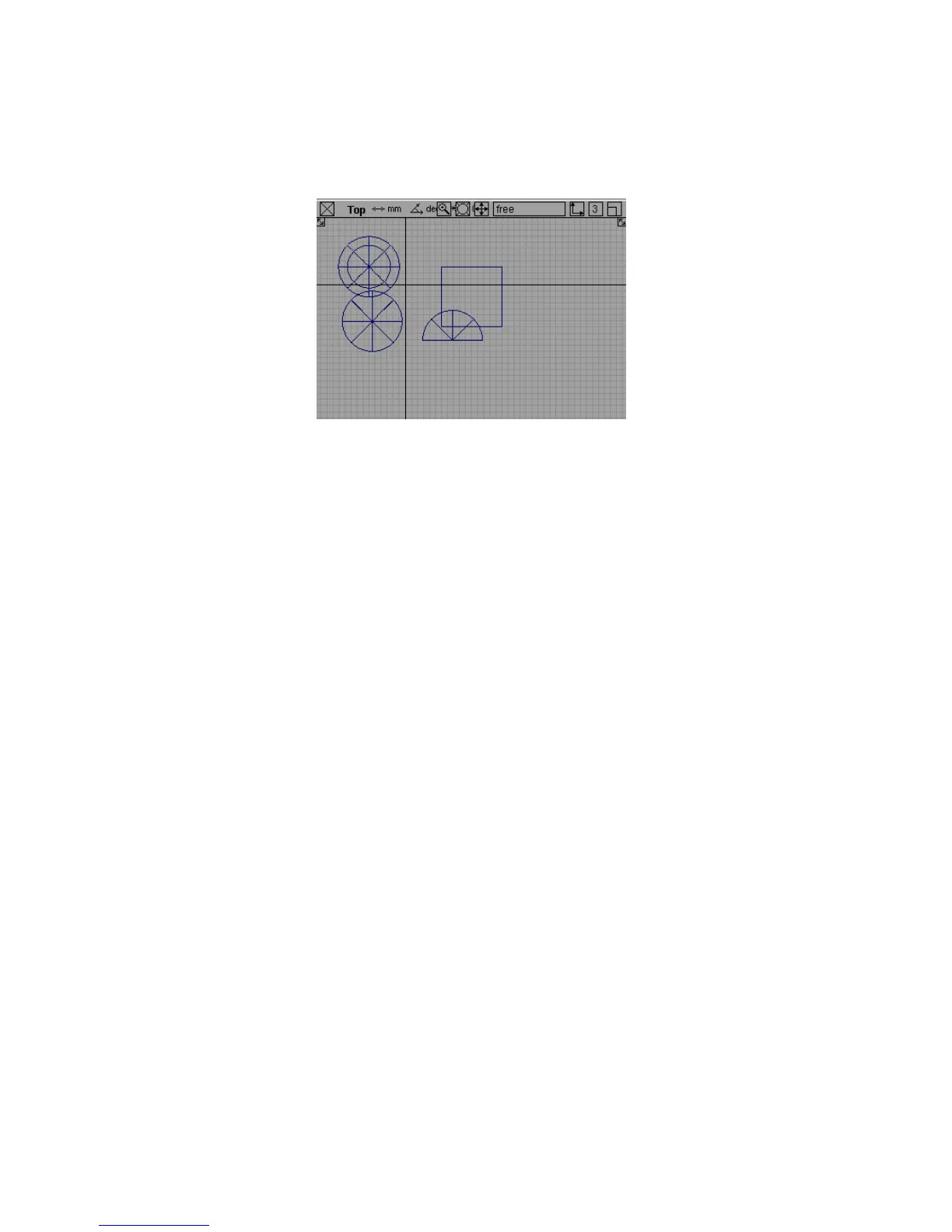
5 Now try dragging the left mouse button to tumble the orthographic view.
Nothing happens. You cannot change the view direction of orthographic
windows. They always look in the same direction.
Moving the camera is a very important skill in Alias. Throughout these lessons,
you need to move the camera to work with geometry.
Using the camera move mode soon becomes second nature. With practice,
you will be able to move the camera where you need it without thinking about
the keys or the mouse.
Practice tumbling, tracking, and dollying the camera around the model some
more before you move on.
To use Look At to center on an object
1 Use the marking menus to choose the Pick > Nothing tool.
2 Remember that the left mouse button marking menu has the pick tools.
3 Now use the marking menus to choose the Pick > Object tool.
4 Pick one of the geometric objects you created earlier.
Tracking, Dollying, and Tumbling the Camera’s View | 61



 To Next Page