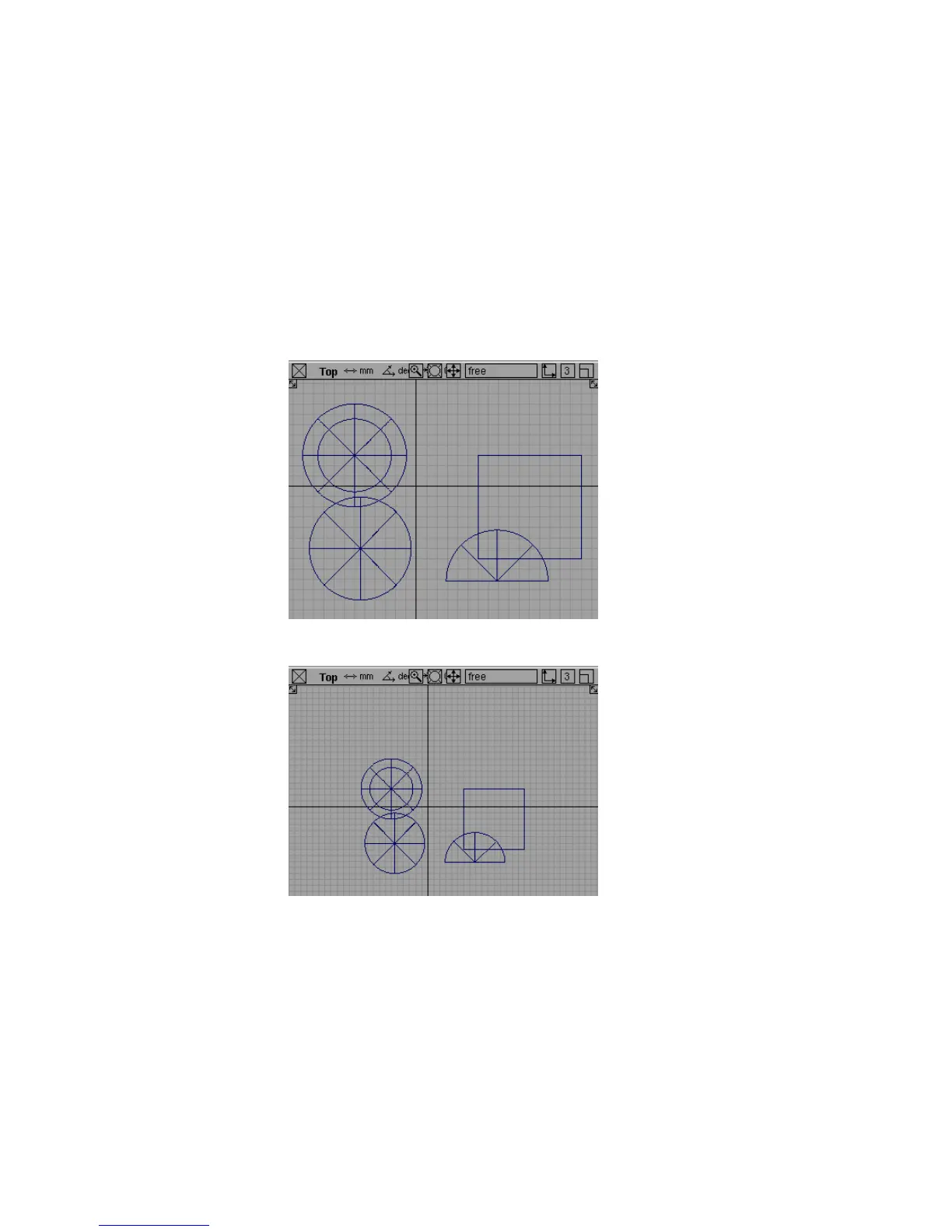
Now, try moving the camera in the orthographic windows.
To use the camera move keys to move the camera in an orthographic window
1 Hold the Shift and Alt (Windows) or Shift and Command (Mac) keys to enter
camera move mode.
2 Make sure the pointer is over an orthographic window such as Top, Side,
or Back.
3 Drag the right mouse button to dolly in and out.
4 Drag the middle mouse button to track up, down, left and right.
60 | Chapter 3 Interface Basics



 To Next Page