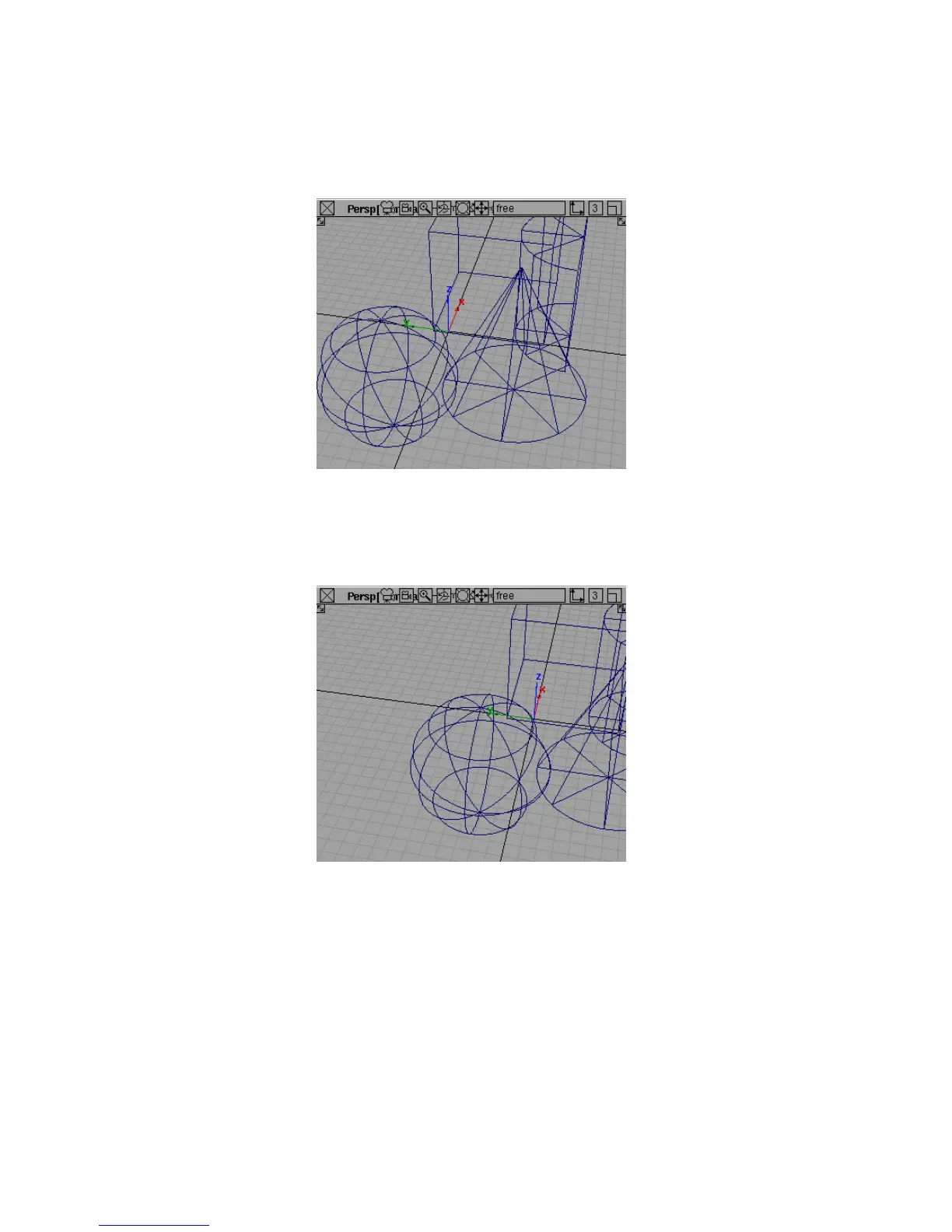
Dollying moves the camera forward and backward.
6 Again, release the right mouse button, but keep the Shift and Alt (Windows)
or Shift and Command (Mac) keys held down.
7 Drag the middle mouse button to track the camera.
Tracking moves the camera, but does not change the direction in which
the camera is pointing.
8 When you are done moving the camera, release the mouse button and
the Shift and Alt (Windows) or Shift and Command (Mac) keys to exit camera
move mode.
Tracking, Dollying, and Tumbling the Camera’s View | 59



 To Next Page