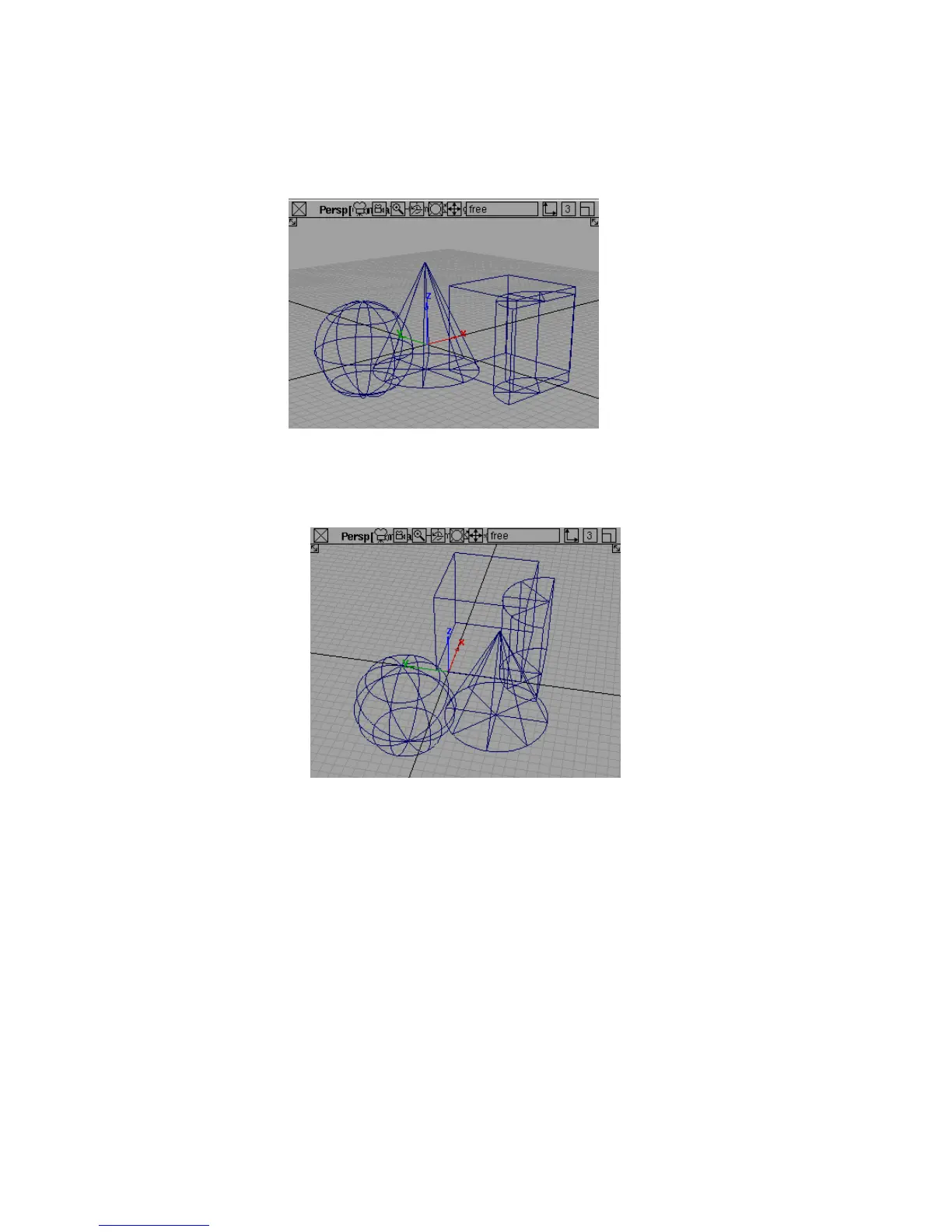
3 Drag the left mouse button to tumble the camera:
■ Drag left and right to rotate the camera.
■ Drag up and down to tilt the camera.
Tumbling the camera changes the azimuth and elevation angles of the
camera.
4 Release the left mouse button, but keep the Shift and Alt (Windows) or Shift
and Command (Mac) keys held down.
5 Drag the right mouse button to dolly the camera in and out.
58 | Chapter 3 Interface Basics



 To Next Page