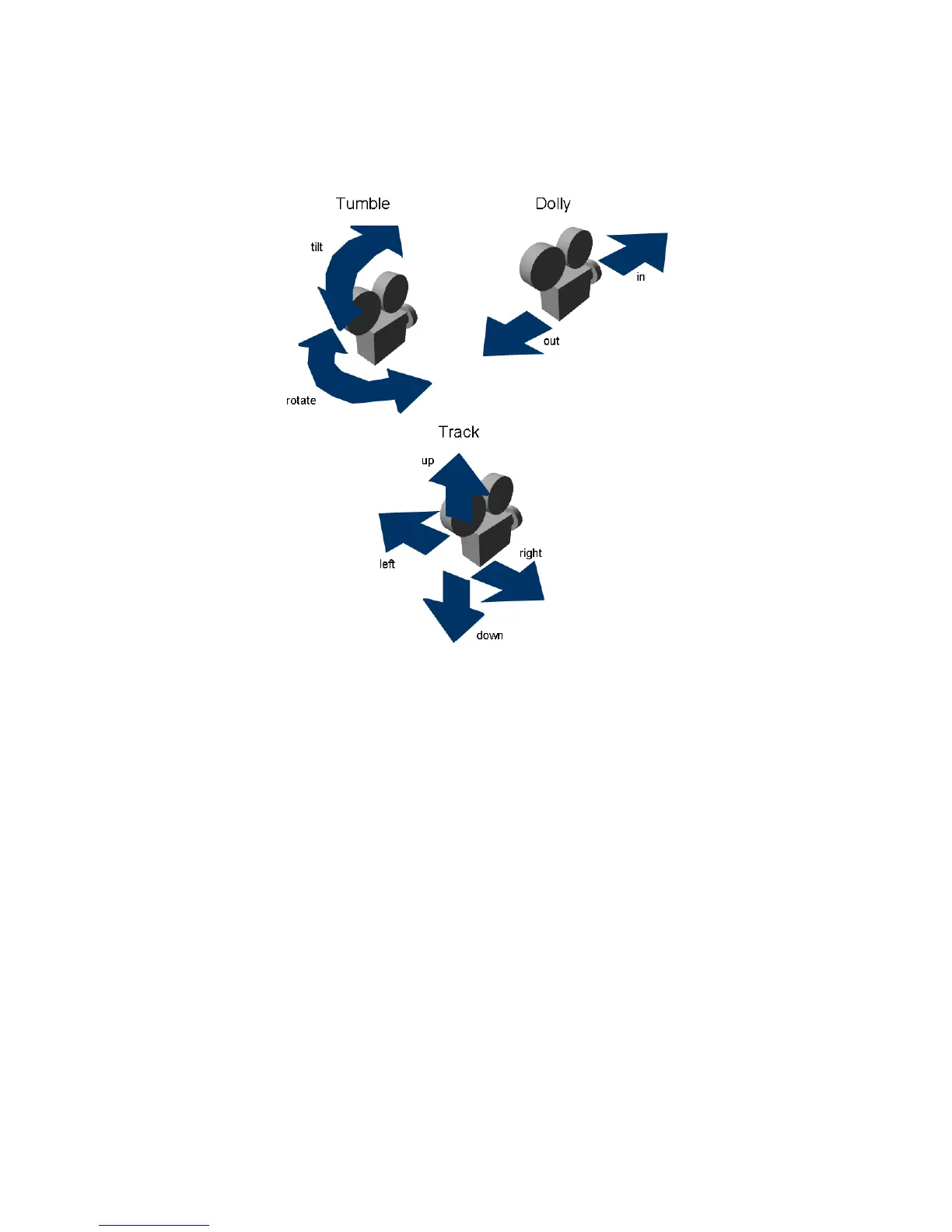
Because these camera movements are so common, Alias uses special
hotkey/mouse combinations to access these movements quickly.
To use the camera move mode to move the camera in a perspective window
1 Hold down the Shift and Alt (Windows) or Shift and Command (Mac) keys.
Keep the keys held down during the following steps.
2 Make sure the mouse pointer is over the perspective view window.
Tracking, Dollying, and Tumbling the Camera’s View | 57



 To Next Page