Trimming the Body Surfaces
The transition surface will be created using the Freeform Blend. This tool
quickly creates a tangent or curvature blend between two edges, and is
particularly useful when the edges are made up of many sections.
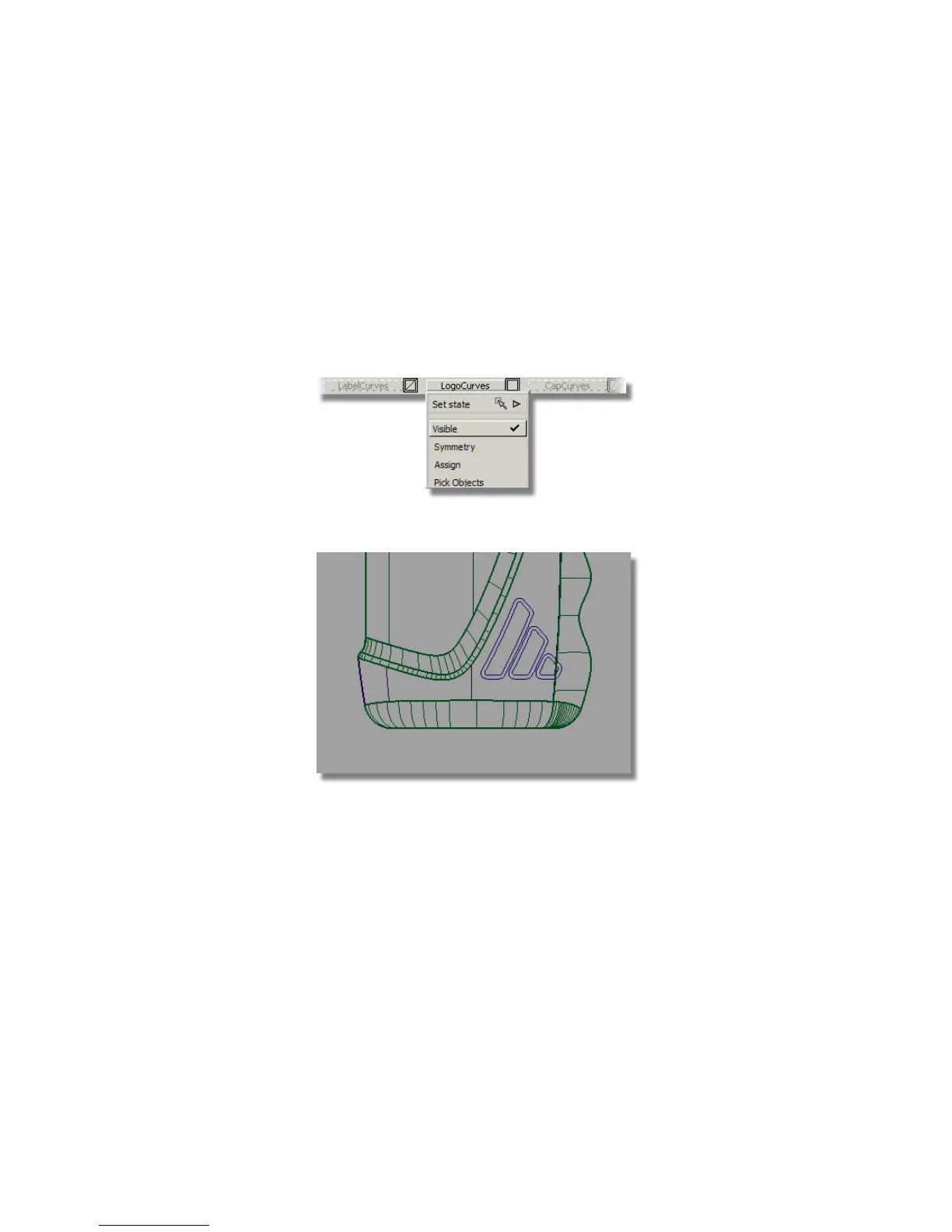
The embossed logo surface will be created using the Offset tool.
You will start by projecting the outer logo curves onto the main surfaces.
1 First, make the LogoCurves layer visible.
2 Maximize the Left window to specify the direction of projection.
3 Choose Surface Edit > Create CurvesOnSurface > Project .
4 You are prompted to select the surfaces. Select the main bottle surface
and the finger grip surface.
Part 5: Embossed Logo Details | 571



 To Next Page