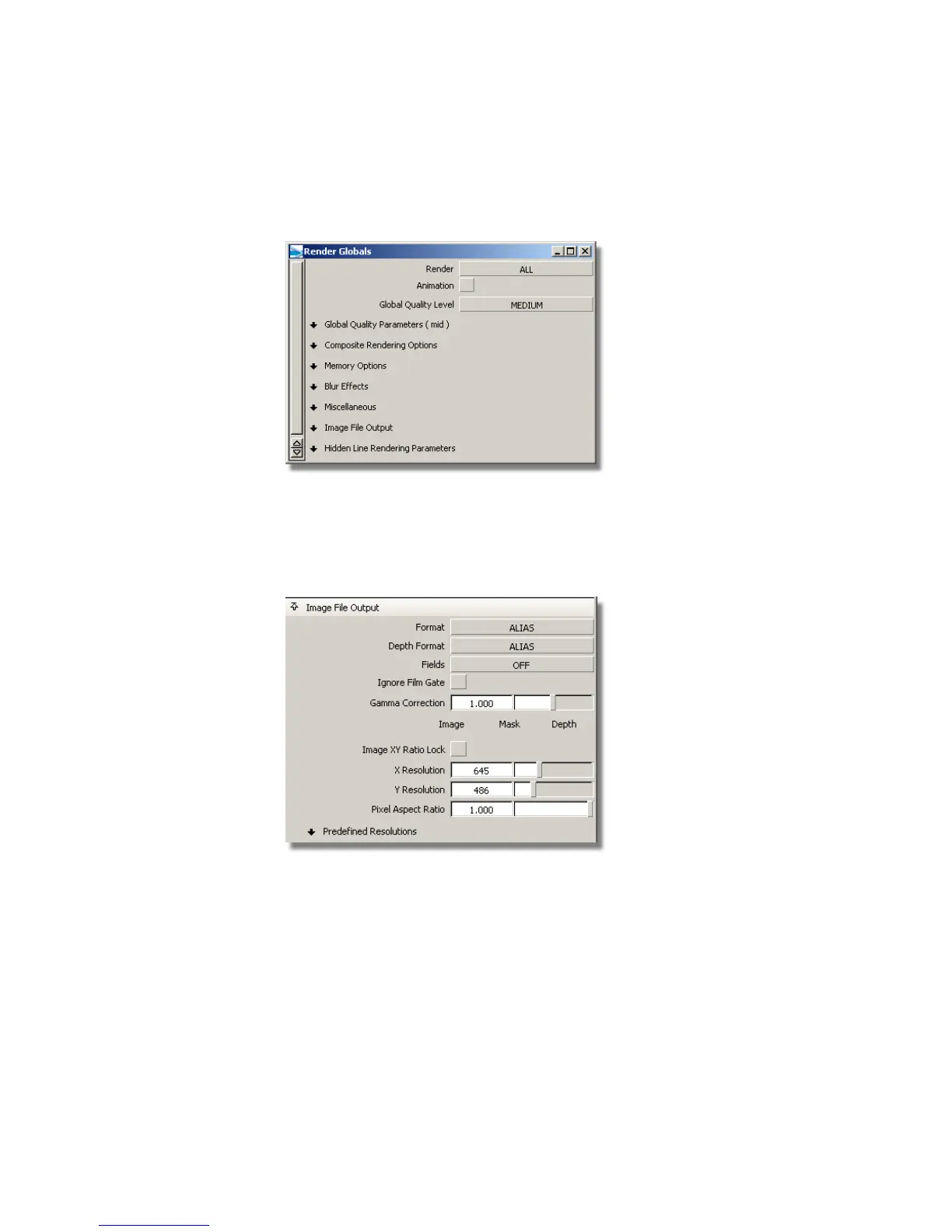
parameters. Since many of the settings change the rendering time, you must
balance the need for quality with that of size.
Image file output
In the Image File Output section of the Render Globals window, you
can set which cameras or orthographic views are rendered and the size of the
rendered images.
Renderings are bitmap images that consist of a matrix of pixels, each holding
a particular color. The size of the rendering is set in pixels, representing the
number of colored squares along the X and Y axis of the rendering.
The Predefined Resolutions section of the Render Globals window
contains a comprehensive list of image size standards you can choose from.
Overview | 611



 To Next Page