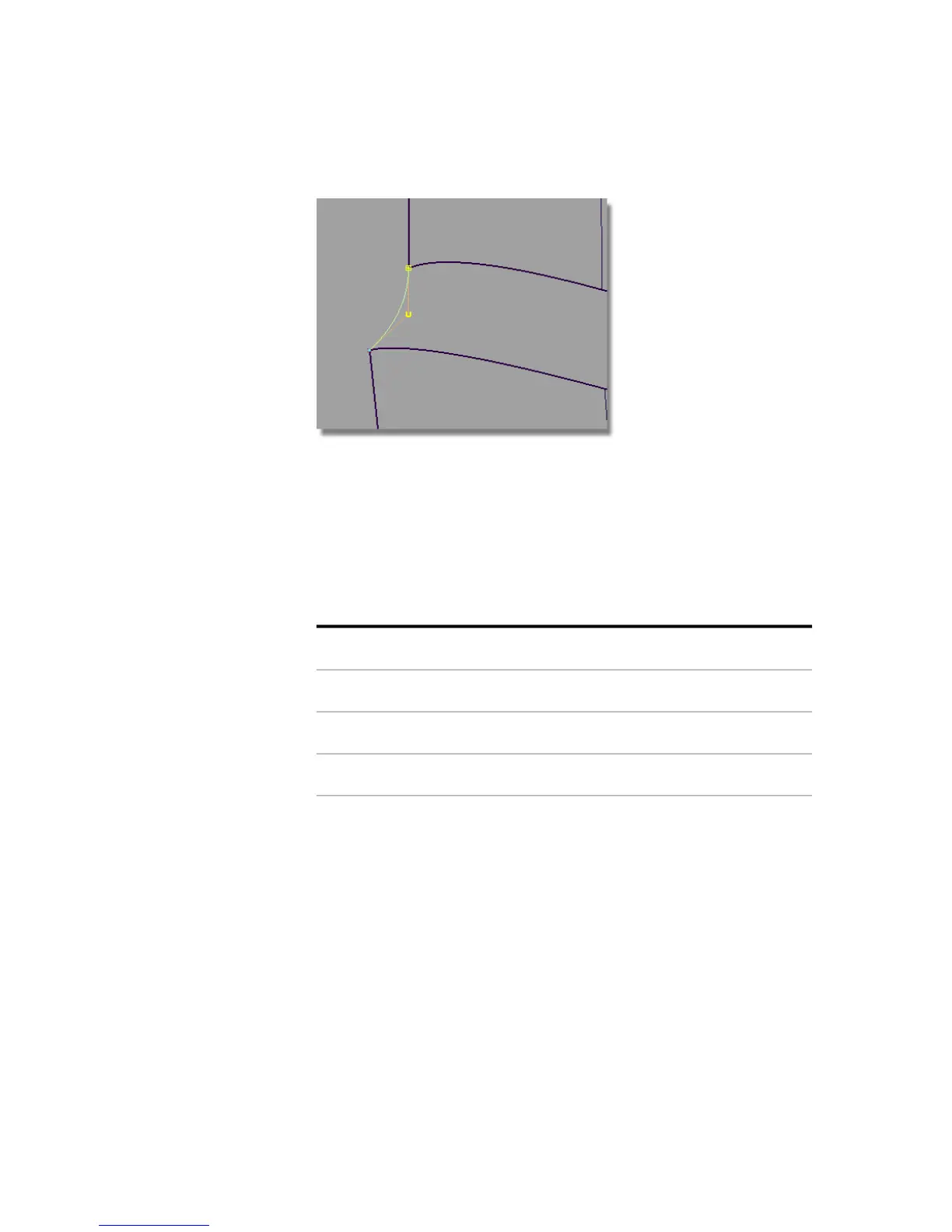
12 Zoom out to see the whole label area.
Building a Birail Surface with Continuity
1 Choose the Surfaces > Swept Surfaces > Rail Surface tool. Double-click
the icon to open the option window.
2 Check that the options are set for 2 generation curves and 2 rail curves.
Adjust the Continuity settings to:
Implied Tangentgen 1
Implied Tangentgen 2
Tangentrail 1
Positionrail 2
Part 4: Adding Blend Details | 561



 To Next Page