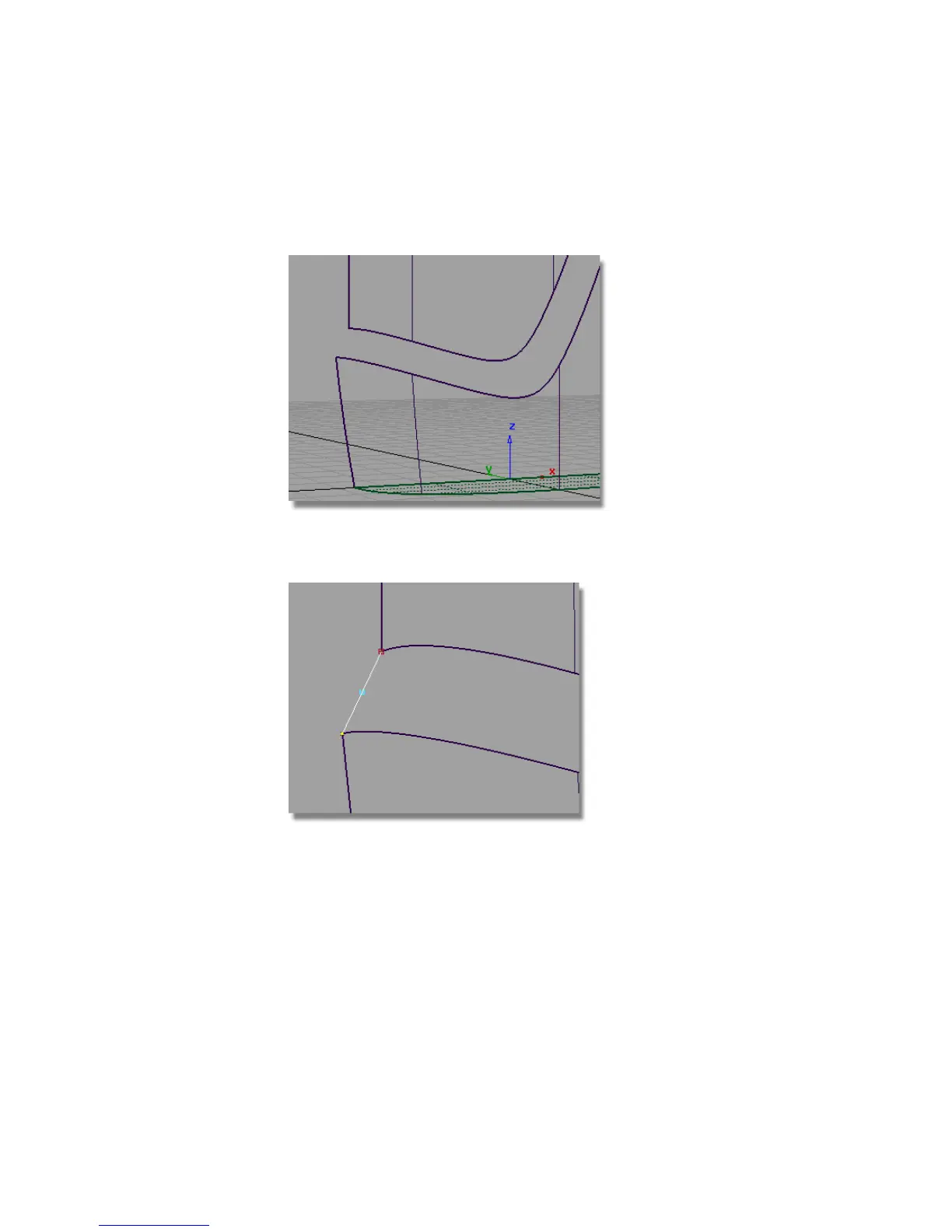
The curve is adjusted to be tangent to the surface.
9 Adjust the view so you can see the lower part of the label surface.
10 Create another Degree 2 edit point curve across the gap, using curve snap
to place the curve edit points exactly at the corner of the surfaces.
11 Use Object Edit > Align > Align again to align the curve to the label
surface.
560 | Chapter 8 Modeling a Sports Shower Gel Bottle



 To Next Page