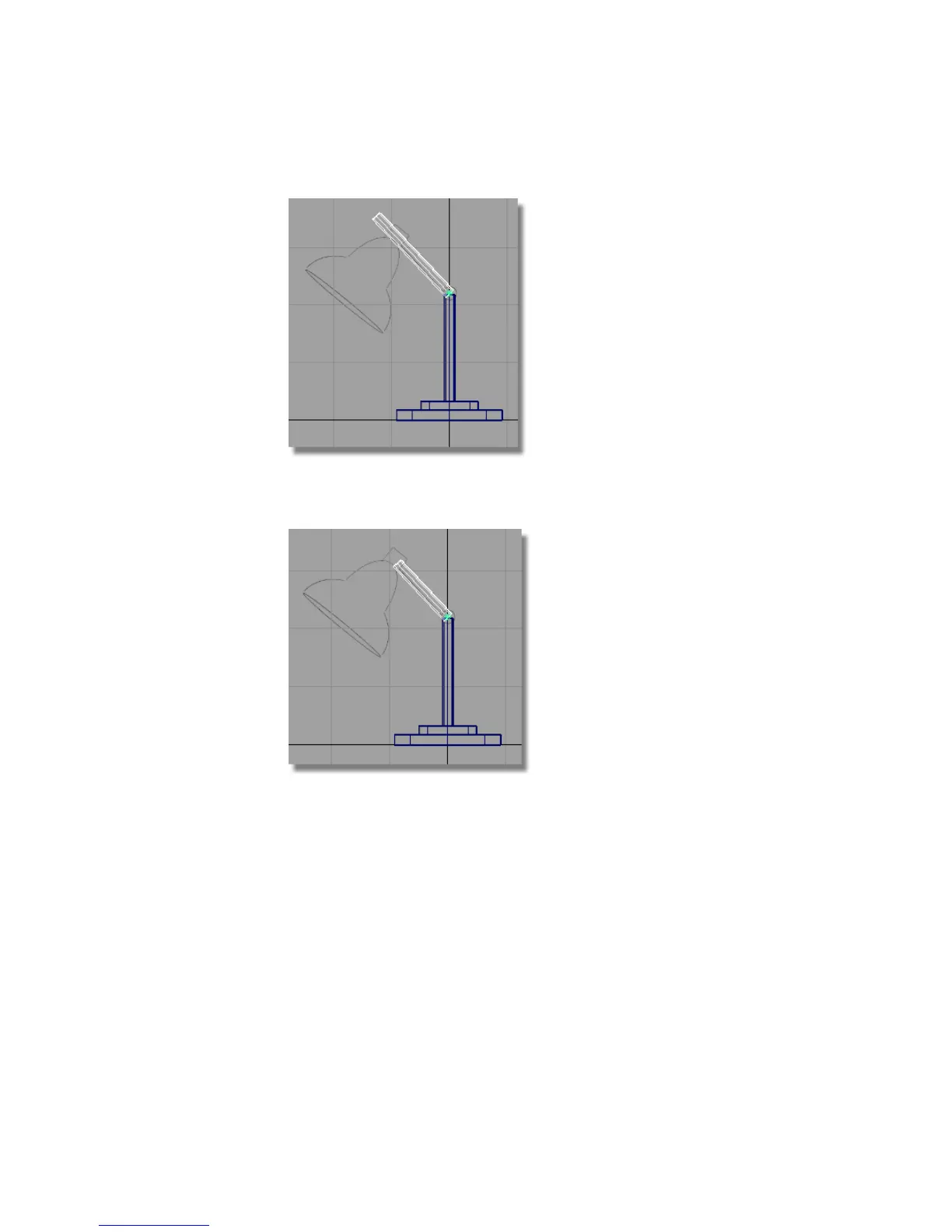
5 Choose Transform > Non-p Scale and use the right mouse button to adjust
the length of the second pillar.
Create the hinge cylinder
Add one more cylinder to complete the design of the arm.
1 Choose Surfaces > Primitives > Cylinder . Hold down the Alt (Windows)
or Command (Mac) key to turn on grid snapping. Click near the grid
intersection closest to the hinge.
112 | Chapter 4 Introduction to 3D



 To Next Page