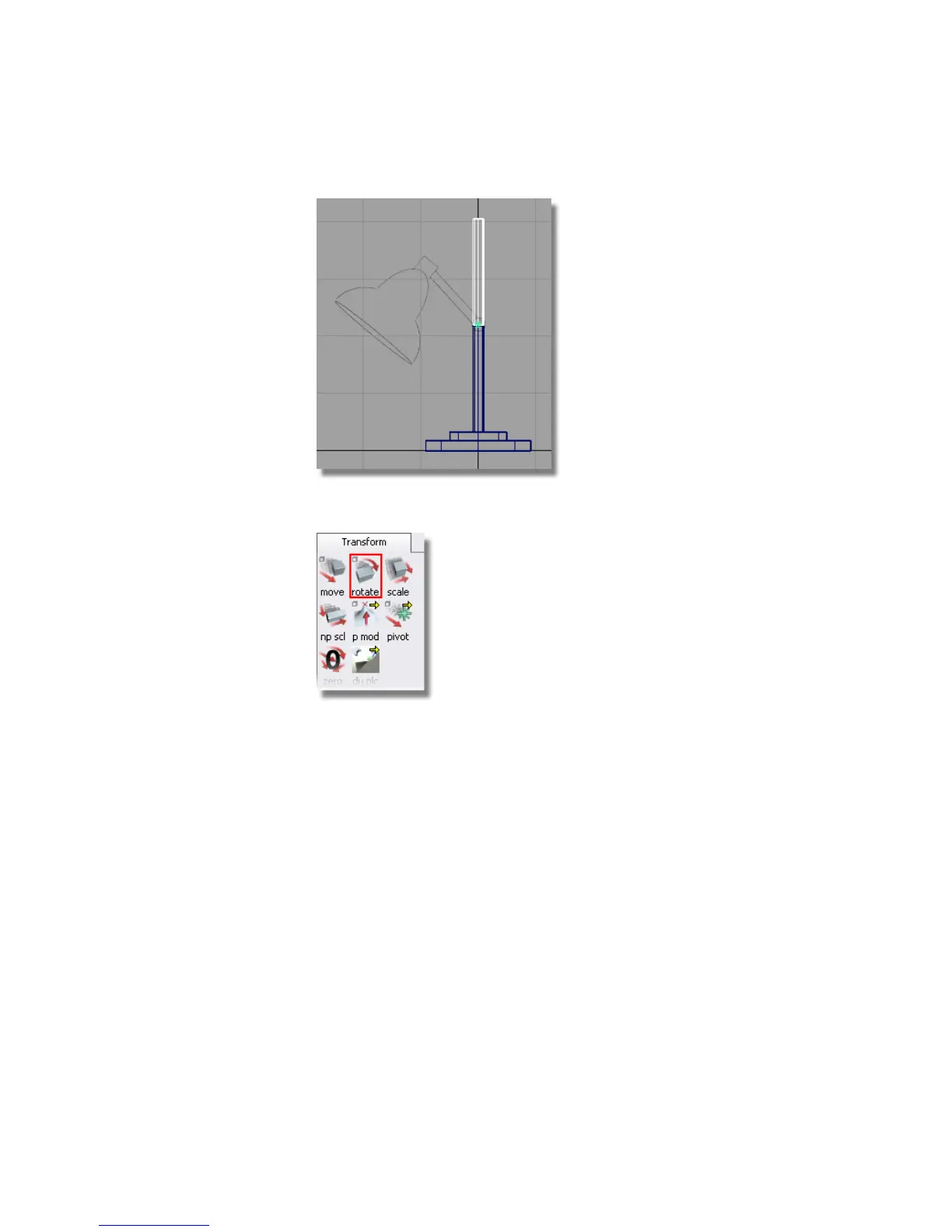
3 Choose Transform > Rotate .
The Transform > Rotate tool is used to rotate an object around its
pivot point. The axis of rotation is determined by which mouse button
you use:
■ The left mouse button rotates around the x-axis
■ The middle mouse button rotates around the y-axis
■ The right mouse button rotates around the z-axis
4 Using the middle mouse button, rotate the cylinder about the y-axis until
it is approximately in position.
Part 2: Building the lampstand | 111



 To Next Page